Repurposed Tech
Turn a secondhand tablet PC into a fully functional e-book reader

DIY Kindle Luis Bruno

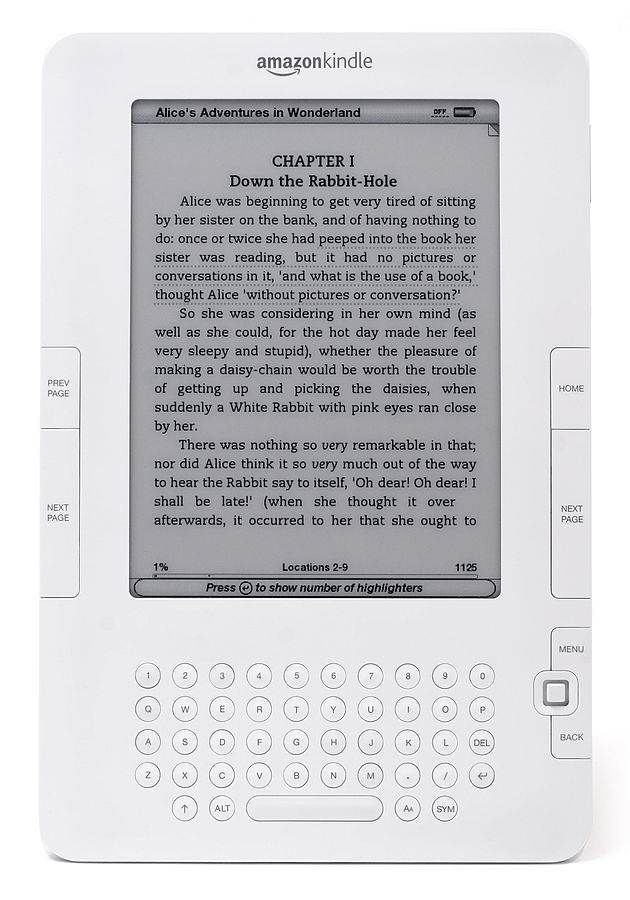
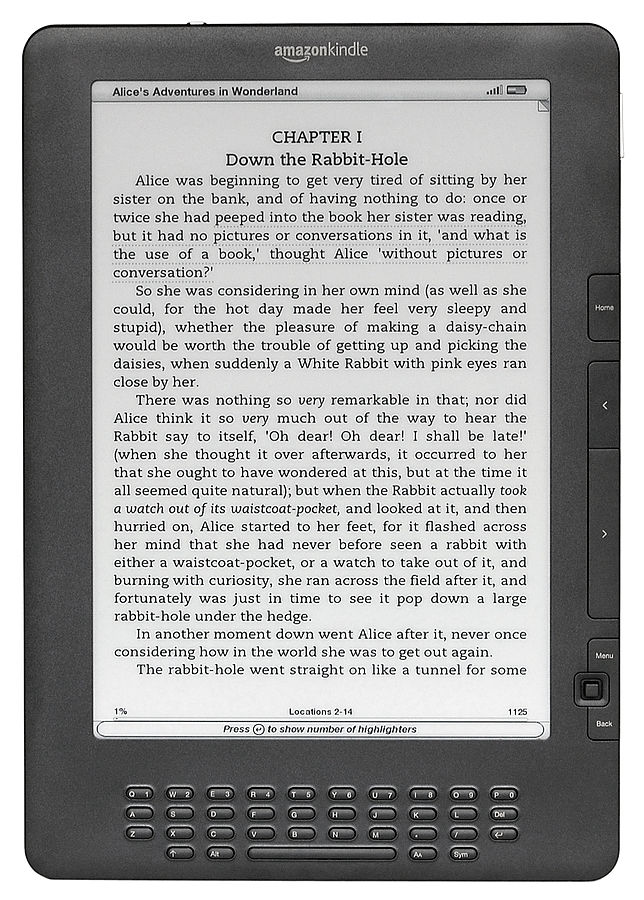
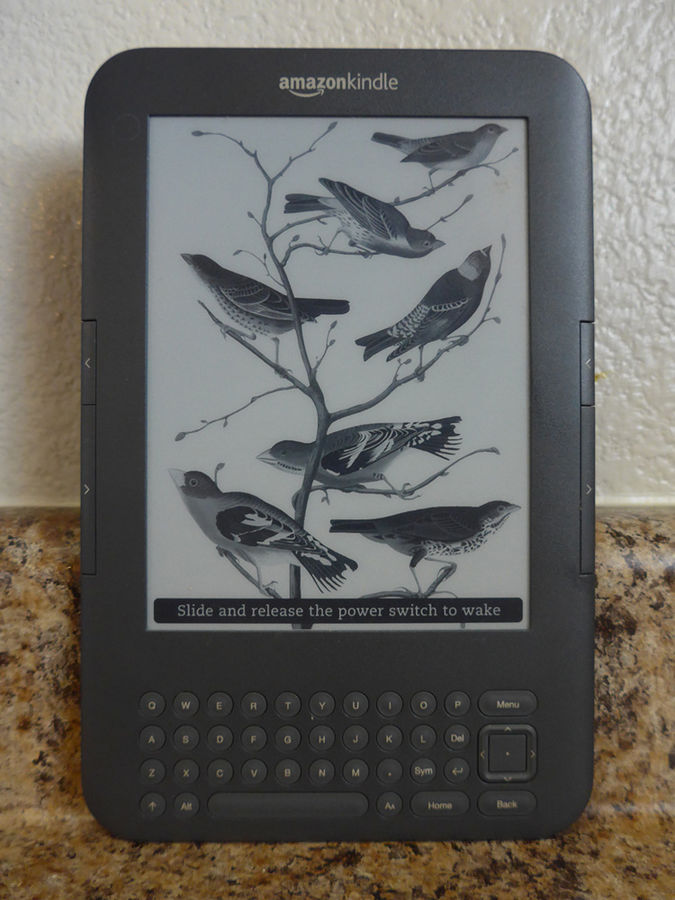
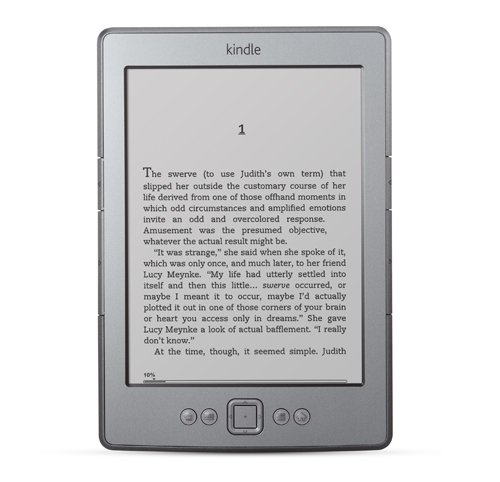
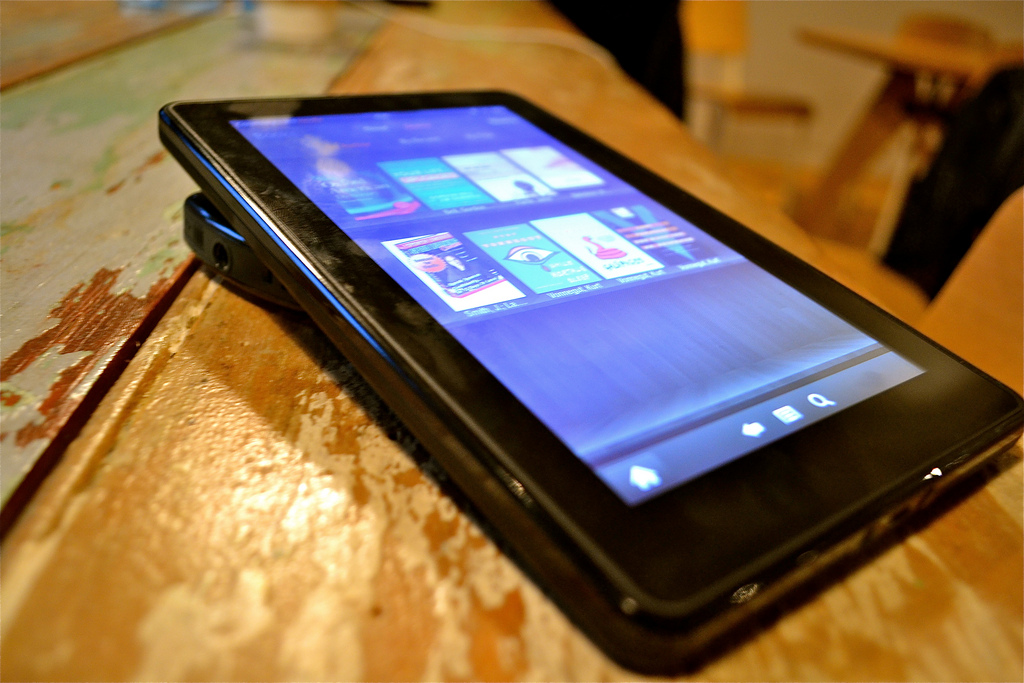
I tried to love Amazon's amazing e-ink electronic book reader, the Kindle, I really did. But I wanted a device that had full color and a higher-resolution display and that didn't limit the content you can view on it. So instead of shelling out $300, I decided to make my own version using a tablet PC -- basically a computer with a stowable keyboard (or no keyboard at all) that you mainly control with a stylus and touchscreen.

It doesn't have the long battery life or always-on connection for downloading books and magazines that the Kindle offers, but with a few system tweaks and the addition of some free software, it does everything else the Kindle does. Plus, unlike Amazon's gadget, it lets me read any comic book or magazine in color, and doesn't require an extra fee to read blogs and download PDFs. And since tablets never quite caught on with consumers, they're available by the truckload on eBay for about half the cost of a Kindle.

Build an E-Reader

Time: 1 Hour
Cost: About $200

  1. BUY Hit eBay to find cheap tablet PCs. Look for older models like the Motion M1400 or Fujitsu Stylistic. Expect to pay around $200 for a fully functional one, or a little less if you're willing to fix it or get missing parts elsewhere.
  2. FORMAT Strip down Windows XP by removing programs you don't need (check out extremetech.com or lifehacker.com for help). Next, go to Control Panel and then Display to change the look of the system. Choose "high contrast/white" for the background, and increase the size of the icons so you can tap things easily with the pen. You can even make the interface black and white to look more Kindle-like. Use the D-pad mapping software included with the tablet or the reader apps to change button functions -- for example, I mapped Page Up and Page Down to be "next page" and "previous page."
Want to read more articles like this, plus tips and tricks, home hacks, DIY projects, and more? Subscribe to Popular Science and enter to win $5,000!

11 Comments

So by "built" you actually mean "bought something else and configured the pre-existing functionality"?

Wow. You're a real engineer now.

Maybe I should write an article on how I built a Kindle Server.

I bought a server and installed FTP and changed the contrast.

@cdahlkvist - the point of the article, if you read it carefully, is to recycle / reuse something out there for a specific purpose. in this case it's an old broken tablet pc that didn't work and now it's my stand alone e-reader i use every night for reading free content, from PDFs to comic books to anything amazon has to offer. but basically for free.

Not a bad idea for getting a color based reader at a somewhat low price. Definitely more of an "at-home/indoor" reader tho. You don't indicate what sort of battery life you get. In response to the reader that commented above, you stated the purpose was to recycle something, which you already had. But for everyone else it's a purchase, on eBay. That may seem fine and simple but eBay purchases are not always smooth as silk and likely with an old system like this you may receive a unit with less than new battery performance. That may make it a "tethered" Kindle. Anyway, you make it out as such a great Kindle alternative, but without highlighting the differences. At the end of the day they would likely spend just as much as they would on a Kindle but with a much different feature set. Oh but it has color! Personally i'd either buy a Kindle because of 2 week battery life, outdoor readable screen, wireless downloads, thin and light, etc., etc. Or wait for the Barnes and Noble reader that has color. A color tablet PC isn't much better than my laptops or desktop PCs that I already use.

the only thing that concerns me w/doing this versus buying an e-ink based device is the eyestrain factor. Have you experienced that with your DIY version at all?

@thedude13 - i have 3 e-ink readers (sony, sony japan, kindle) and i use the tablet you see above for 1-2 hours each night. i think indoor reading, in the dark with the tablet is better for my eyes than e-ink + reading lamp.

@PT. Very Cool! I'm surprised you didn't mention Maggwire.com. We have an excellent Science and Tech Section up and running which organizes hundreds of current magazine articles. Our Beta site is free, but we are developing partnerships with magazine publishers to launch our premium service within months. I'm confident you'll enjoy it on your DIY Color Kindle.

Maggwire - Science Magazine Articles
www.maggwire.com/articles/index/category:science

P.S. I'm a huge fan of your Make Magazine articles as well.

-Ryan

Without reading the top replies, I want to add to the article. I hope I'm not plagiarizing. Tablet PCs are cheap, what is I guess good for the author of the article, but come with issues such as destroying your vision and permanently damaging your eyes. The screen of any desktop computer, laptop, tablet pc display has a refresh rate. It continuously refreshes so quick that your eyes don't even see it, but lets you enjoy all screen animations. That actually what causes the stripes go through the display if it is filmed on the video camera and played on the regular TV. That continuing refresh of the screen kills your vision more than anything else. The eInk screen used on eReaders such as Barns and Nobles Nook (www.nook.com – bring it as example because I like Nook more than Kindle), refresh only once to load the text page saving first of all your eyes and then the battery change just as well. The second is the light emitted from the display. It also damages your eyes a lot. eInk screen used in eReaders does not emit any light at all, again to save your eyes and the battery. Basically if you want to loose your vision as all of us, the computer engineers, and wear huge glasses with thick glass making your eyes seem 5 times larger than they are, then continue to read from the computer displays in full color. After all, your vision is much more expensive than $300. Don’t you think? There is a purpose and reason in any invention.

Igor Vishnevskiy
www.vishnevich.com

I have an old Sony laptop that uses Windows ME, couldn't I do what you described to it instead and turn it into a reader?

I have already done this conversion after using my PDA for reading, eye strain was reduced by reducing the brightness to minumum levels at night and to maximum at day time, I havent had any issues with out door reading (this tablet has an outdoor screen) I was actually quite pleased with the outcome of this unit (fujitsu 4121) I could see the argument of refresh bieng hard on the eyes but I have an older LCD tv in my kitchen and normally stand arms length away for over 8 years now without eye strain. As far as battery life is concerned my registers about 5 to 5.5 hours I dont plan on reading that long even on Sundays. I am happy to use it to check my email with out leaving the fire, send facebook updates, and I dont have to pay to subscribe to blogs. Overall I am extremely happy.

Amazon offers a Free Download of Kindle PC software for Windows 7, Vista, and XP. With a Mac version coming. They also offer many free Kindle Books.Haven't tried it yet and don't know the features but thought it worth mentioning.

OK I love it. I being a fan of net books think theses devices are perfect. I picked up a cheap Stylistic for less than I would pay for a net book with almost the same specs. And this device is much more useful to me. Why Have these not caught on yet? I see a future for students walking around without a single book in their hand. Just a Tablet PC.

Popular Tags

Regular Features


Download Our iPhone App

Stay up to date on the latest news of the future of science and technology from your iPhone with full articles, images and offline viewing


Follow Us On Twitter

Featuring every article from the magazine and website, plus links from around the Web. Also see our PopSci DIY feed


Become a Fan On Facebook

Share links with friends, comment on stories and more


December 2009: Best of What's New

In our December issue, Popular Science names the 100 best innovations of the year: bombproof wallpaper, self-parking cars, the fastest helicopter, and 97 more. Plus inventor profiles and videos.

Check out the best of what's new here.

Popular Science Photo Pool


Share your photos in the Pop Sci pool at www.flickr.com!
tags_sprite.png
POP_embeddedForm_cover_May09.jpg

Events and Promotions