Ha ha ha! No need for that stupid sun anymore: the new Kindle is illuminated with a front-lit screen.

Kindle Paperwhite Glows Dan Bracaglia

The Kindle has, since its second generation or so, been pretty much the easiest recommendation in tech. The new one, called the Kindle Paperwhite, is predictably great--though not perfect.

WHAT'S NEW

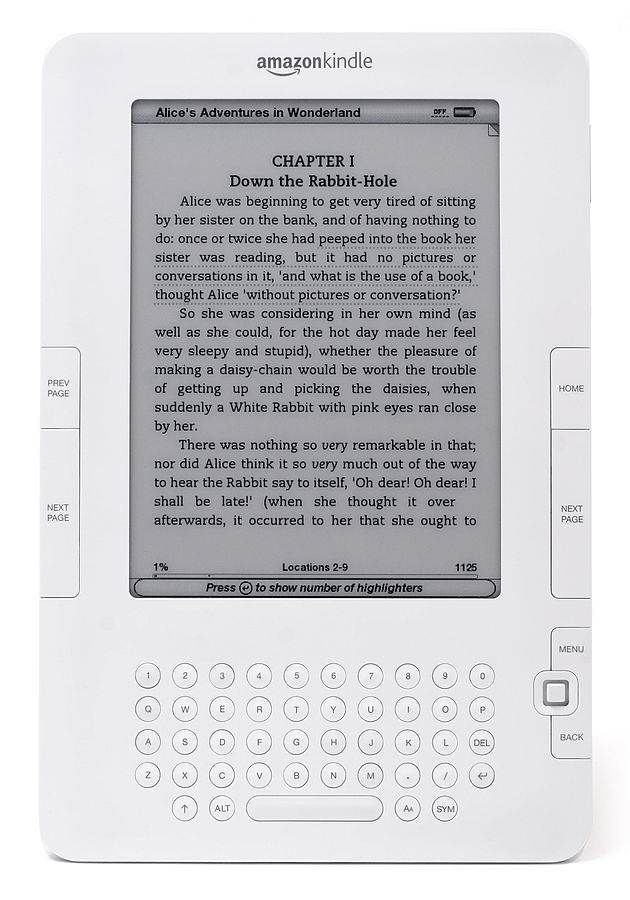
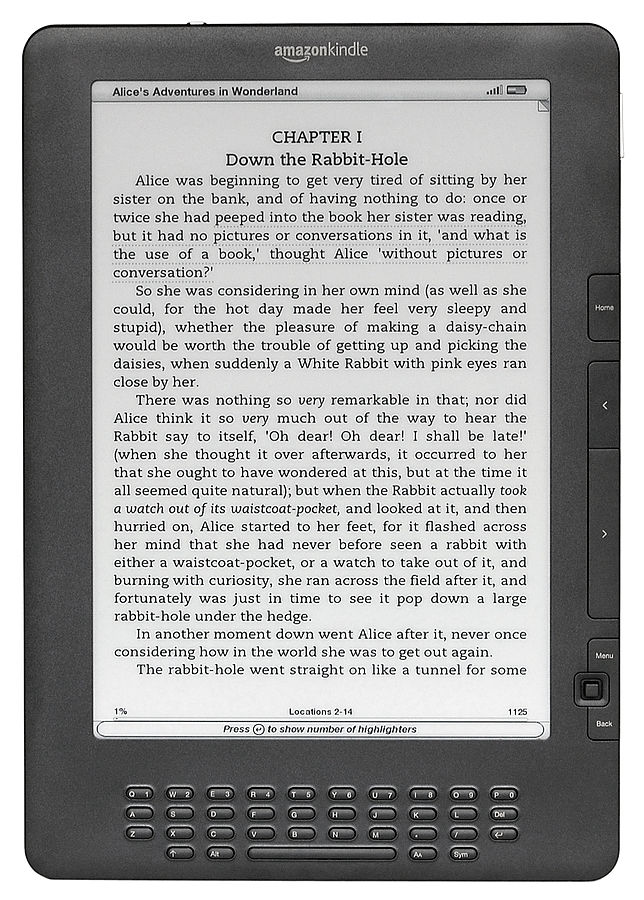
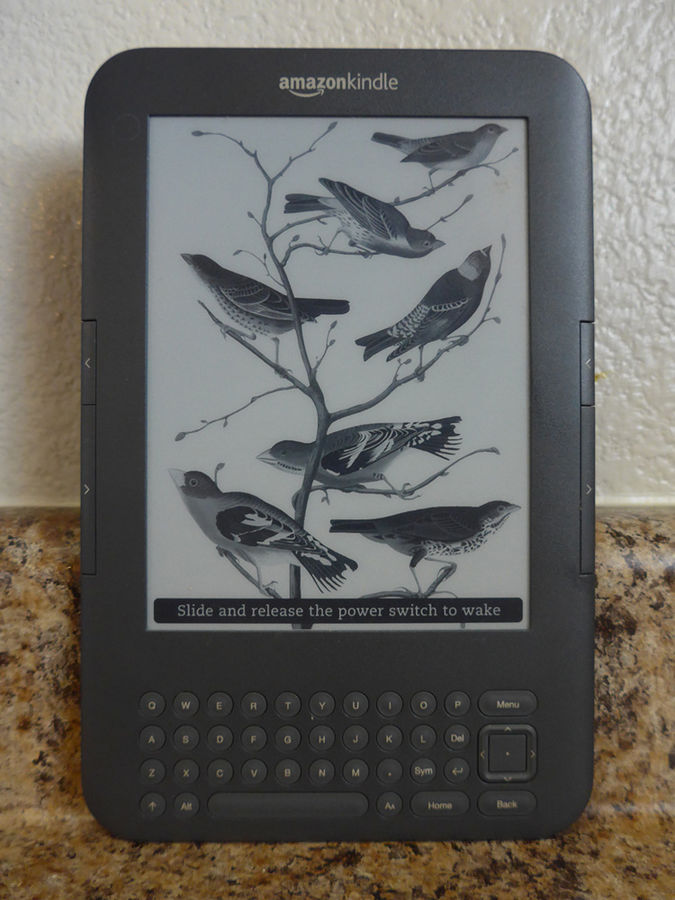
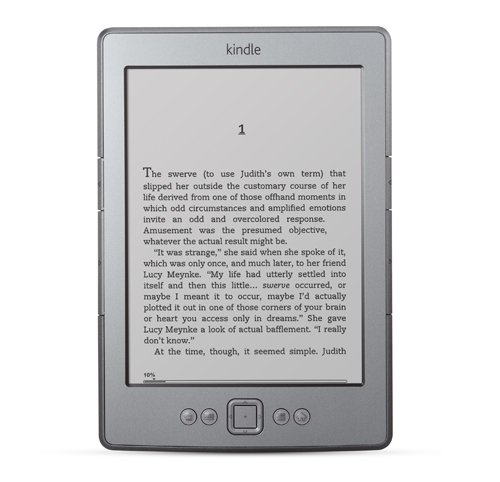
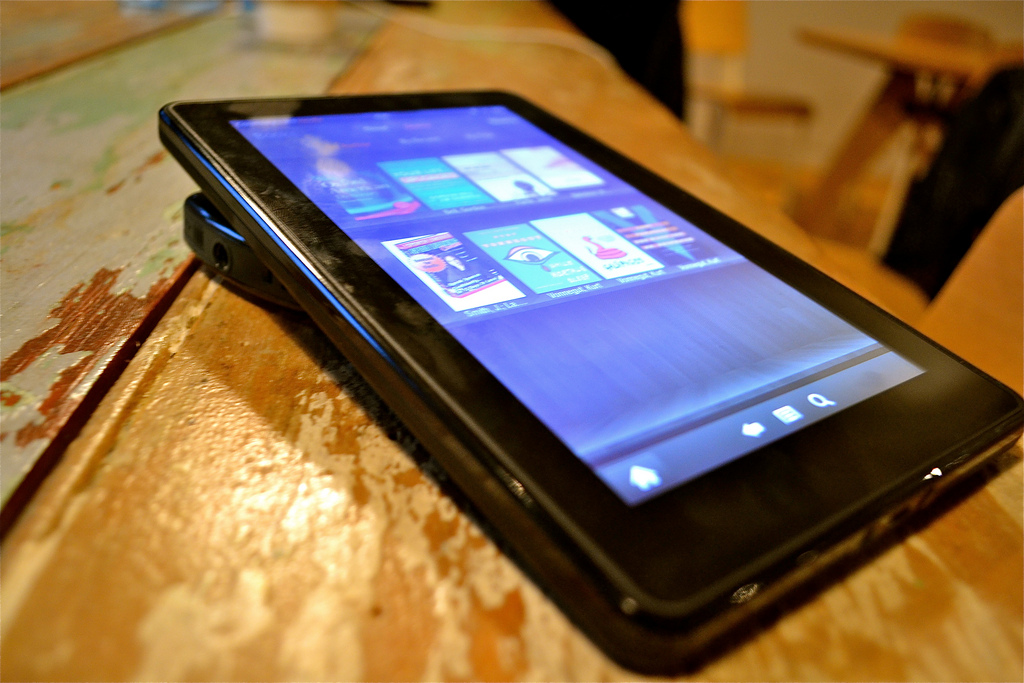
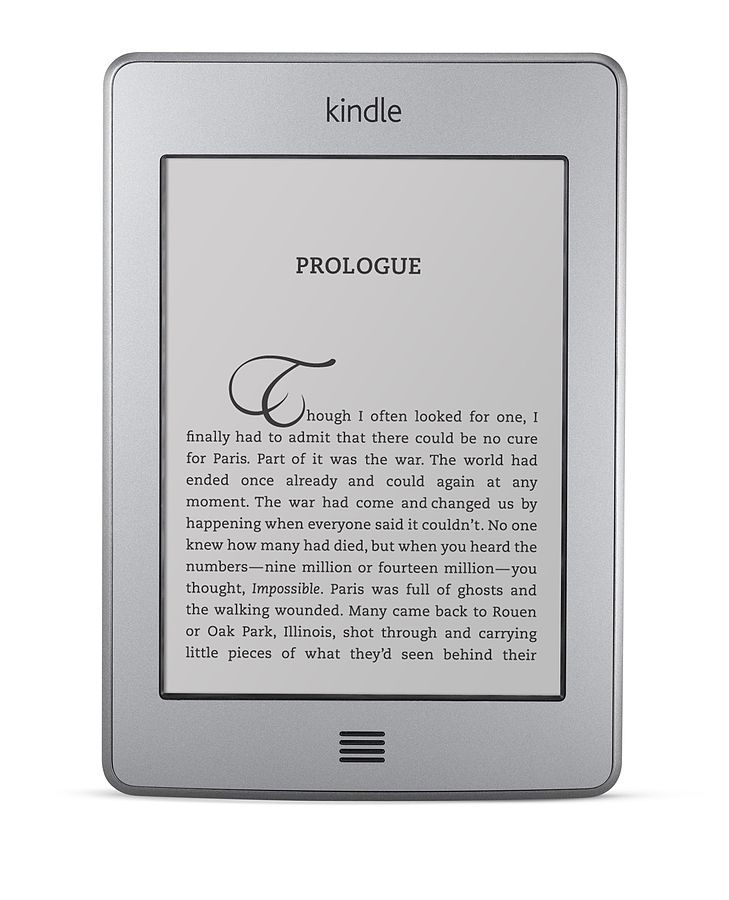
The Paperwhite is pretty similar to the Kindle Touch, with a few major and several minor changes. First, it's got a new skin: a matte black body to replace the Touch's grey. (It looks much better.) The semi-confusing home button on the Touch (a bunch of horizontal lines) has been eliminated, and in its place is just the word "Kindle"--it's no longer a button at all. The Kindle's OS has also been revamped--though it's still greyscale by necessity (electrophoretic screens do not do well with color), navigation is much more tablet-like, with swiping gestures and large thumbnail icons of your books. The audio function is gone; no more speakers, no more headphone jack. And it has, oddly, half the storage of the Touch, at only 2GB. (To be fair, that'll still hold over a thousand books.)

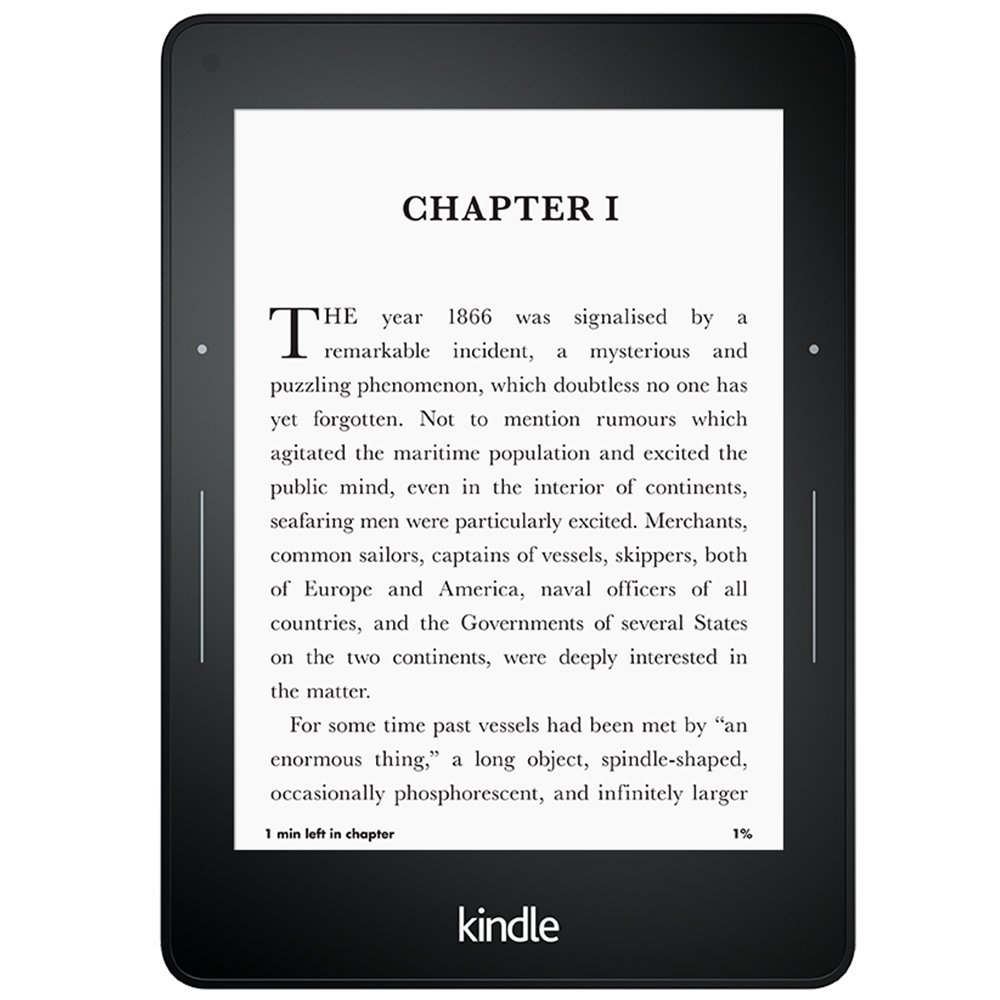
But the big change? Light. Like Barnes & Noble's earlier and somehow even more awkwardly-named Nook Simple Touch With Glowlight, the new Kindle has a front-lit panel that illuminates with a soft, pleasantly greyish glow.

WHAT'S GOOD

Almost everything! The Kindle is still just about the best reading experience you can have; it's easy (almost too easy) to buy books, the E Ink screen is better on the eyes than any tablet, the hardware is small and easily operational with one hand (great for subway riders). The battery life is still absurd; I don't think I've ever managed to drain a Kindle fast enough to actually remark on it in a review, since the battery life can last a month or longer. I especially like the touchscreen for navigation--it's easier to select books, change settings, and shop with the touchscreen, compared with the directional pad in the non-touch versions.

The glowing front-light is awesome. It automatically detects when it should come on, and has 24 levels for adjustable brightness. The glow is much easier on the eyes than even the dimmest setting on a tablet like the Kindle Fire, and the fact that it's built-in means you never have to worry about having enough light (or carrying a bulky/expensive case with a light in it).

I really like the new OS, too--it's great to have your books arranged by cover, rather than just a list. Plus there's a new "X-Ray" feature that's really cool--tap it while reading and it gives you a breakdown of characters and terms on the page, in the chapter, and in the whole book. Tap any of the terms (in the John Jeremiah Sullivan story I'm reading, terms include "Indiana," "MTV," and "Bon Jovi") and it'll give you a definition from Wikipedia and where in the book the term appears.

Kindle Paperwhite's X-Ray:  Dan Nosowitz

WHAT'S BAD

I miss the old page-turn buttons. For a lot more on why that matters, read this, but suffice to say, I think page-turn buttons offer a much better reading experience than turning pages with a touchscreen.

The Kindle Paperwhite's electrophoretic screen is mostly very good, but I'm still not thrilled with the sporadic refresh of the screen. See, the electrophoretic screen isn't like a normal LCD, where you can have individual pixels display any color you want--it's more like an Othello board, where each pixel is a physical thing (dye suspended in oil, basically) that flips when electrically triggered. To do a full refresh, which takes maybe a full second, you have to make the entire screen go black before displaying whatever you want it to do--it looks like the screen blinks at you, and then the background is perfectly off-white and the text perfectly off-black, like a just-shaken Etch-a-Sketch. The old Kindles used to do that every time you turned a page, but to save a split-second of time, the newer ones just flip the little Othello-like pixels as needed, and only fully refresh about every five page-turns. That leaves a little bit of an echo of the previous page's text in the background of the screen--sort of like holding a sheet of paper printed on both sides up to the light. It's not that bad, really--the Kindle is always totally readable, and indeed the text is crisper than on any other ebook reader, including past Kindles--but it can sometimes be a little distracting.

The new Kindle also doesn't ship with a USB-AC adapter. You can charge the Kindle through your computer, or buy one from Amazon for $10, or use any of the other USB-AC adapters you probably have lying around your house.

THE PRICE

There's a Wi-Fi-only model and a 3G model, and both are available either with or without ads. The Wi-Fi-only is either $119 or $139, while the 3G model is $179 or $199. I really like having 3G, but it has limited use and is a lot pricier, so I'd recommend the cheapest model. It's very cheap.

Kindle Paperwhite:  Dan Bracaglia

THE VERDICT

Love Kindle. Love Amazon's Kindle store, love the reading experience, love the Paperlight front-lit display. Love the hardware. Don't love being forced to use a touchscreen. If you don't have a Kindle, buy this one. I'm not sure it's worth upgrading from an older Kindle, but hey, it's your money, I'm not going to tell you how to spend it. It's a real nice gadget, you'll like it.

2 Comments

I have always liked the concept of Kindle. It just seems like a great idea. I do not own one, so I am limited on commenting on this device. To Kindle, yes, if you build it, they will come. You built a great product and you do have a market now. But also remember, if you try to fix, what is not broken, your tweaking around may actually do more harm. I wish Kindle lots of good luck!

Reading is great! Its like vitamins for the brain, WoWzers!

I've had two Kindle "Keyboards" and I've been really satisfied with them. Why I'm talking in past tense is because I was able to break my first Kindle's screen and the second Kindle had some hardware issues after I dropped it on the pavement... By combining the two with the help of kitchen cutlery and youtube I was able to combine two ruined e-readers into one that worked, at least for a while. Then the software issues came and I didn't have any place to turn to than google. What I found out that Kindle software issues were common. From battery recharging issues to screen freezes.
I'm positive that my problems were caused because I was careless in the first place, but while trying to find a solution to my problem, I found out that people had problems with the product that they should not have. Also, Kindle Keyboards have an issue with the casing - after some use you tend to get hairline fractures by the lower corners of the screen in the casing. But I guess they tend to come when you are not using a cover. Anyway, that is a flaw that I'm glad to see Amazon is trying to correct, by making new versions of Kindle.

P.S. I'd like to have one of those Paperwhites for Christmas, thank you :)

Popular Tags

Regular Features


140 years of Popular Science at your fingertips.


Popular Science+ For iPad

Each issue has been completely reimagined for your iPad. See our amazing new vision for magazines that goes far beyond the printed page


Download Our App

Stay up to date on the latest news of the future of science and technology from your iPhone or Android phone with full articles, images and offline viewing


Follow Us On Twitter

Featuring every article from the magazine and website, plus links from around the Web. Also see our PopSci DIY feed


April 2013: How It Works

For our annual How It Works issue, we break down everything from the massive Falcon Heavy rocket to a tiny DNA sequencer that connects to a USB port. We also take a look at an ambitious plan for faster-than-light travel and dive into the billion-dollar science of dog food.

Plus the latest Legos, Cadillac's plug-in hybrid, a tractor built for the apocalypse, and more.


Online Content Director: Suzanne LaBarre | Email
Senior Editor: Paul Adams | Email
Associate Editor: Dan Nosowitz | Email
Assistant Editor: Colin Lecher | Email
Assistant Editor:Rose Pastore | Email

Contributing Writers:
Rebecca Boyle | Email
Kelsey D. Atherton | Email
Francie Diep | Email
Shaunacy Ferro | Email

circ-top-header.gif
circ-cover.gif
bmxmag-ps