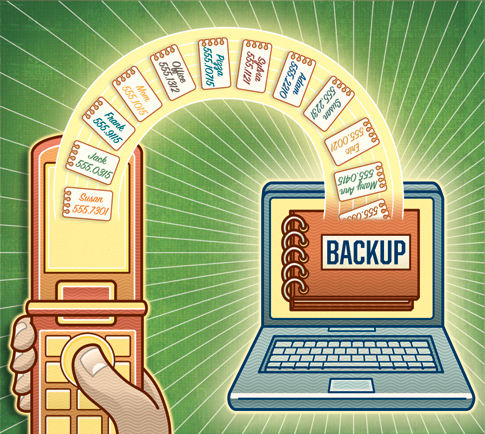
Wise question. I wish I had asked it before leaving my phone and two years’ worth of numbers in a taxi. Fortunately, backup systems abound. If you go through cellphones like toilet paper, try the Universal Pro kit ($80; datapilot.com). It includes cables that let you transfer data to your computer from just about any phone, and it syncs with Microsoft Outlook. A less direct but cheaper choice for most phones is a plug-in device called CellStik ($40; sparktech.com), which uploads your numbers to its built-in memory for safekeeping. You can later move them from the CellStik to a PC.
If that’s too much money, most carriers will let you store your contacts on their servers for $2 to $4 a month. (Verizon will even do it free if you sign up for the company’s online billing plan.) Finally, if you’re dead broke, you can use Apple’s iSync (if your phone is supported) or software called BitPim (bitpim.org) to transfer your contacts to your desktop for free. Or nearly free—trying to use BitPim via Bluetooth crashed my computer, so I had to buy a $30 cable to do the job. Of course, any of these options beats spamming your friends and family for their phone numbers, not to mention the tedium of data entry. Trust me.
- Nicole Dyer is a senior editor at Popular Science.
This story has been updated. It was originally featured in the April 2008 issue of Popular Science magazine.