We may earn revenue from the products available on this page and participate in affiliate programs. Learn more ›
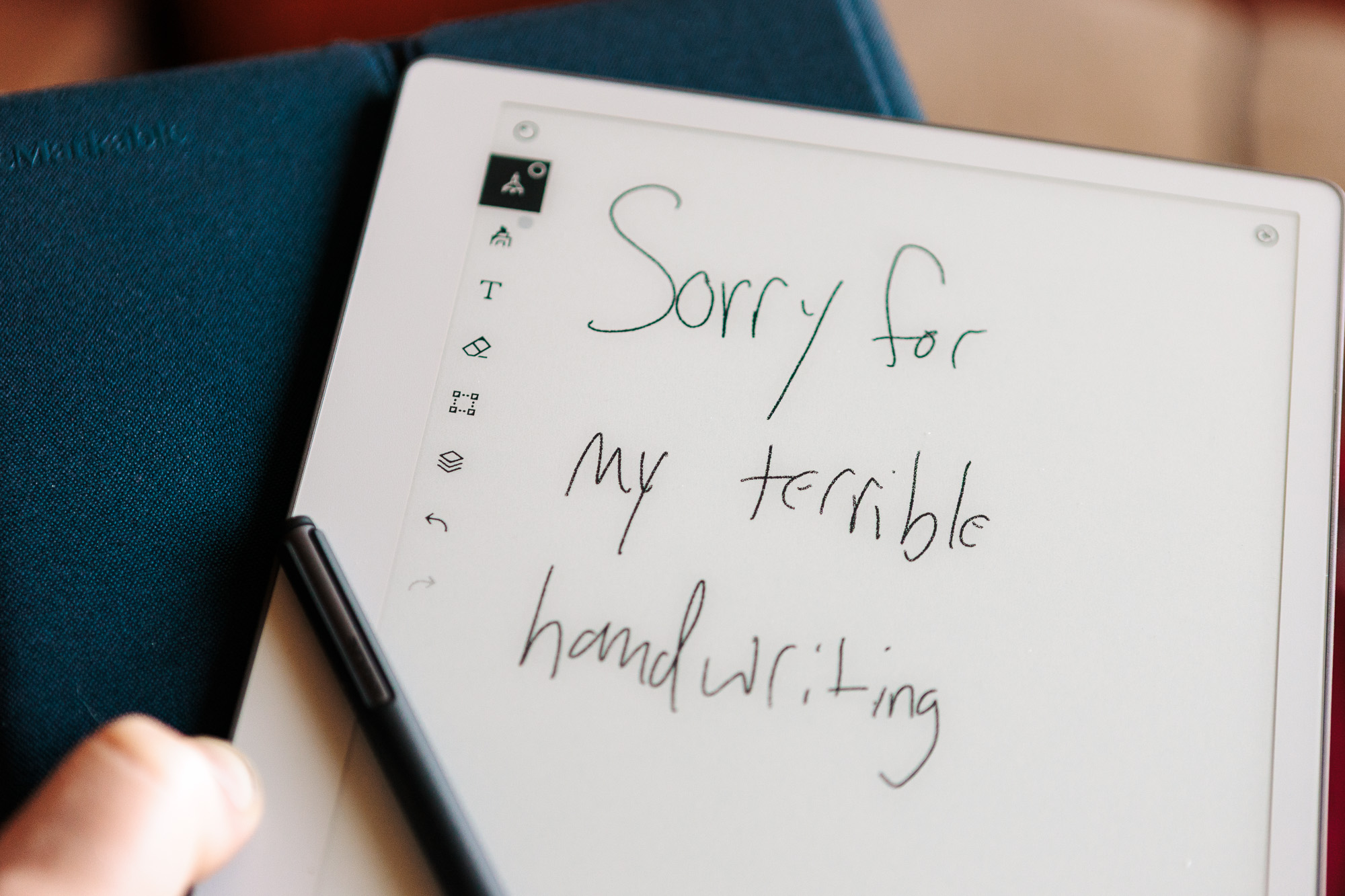
My AP English teacher in 12th grade said I had writing that “looked like something you’d find in a serial killer’s notebook.” She wasn’t wrong, but I’ve always liked writing things by hand. I’ve used reMarkable’s paper-emulating tablets in the past, but I was never so committed to my chicken scratch that I could justify the price. Now, the company has introduced its most affordable model. The Paper Pure is the cheaper sibling to reMarkable’s flagship Paper Pro, and it gets there by stripping out the features that paper, the actual material, also doesn’t have. You won’t find color e-ink and there’s no built-in illumination. You will, however, get a paper-like writing experience with the included Marker, and the device has nestled easily into my everyday workflow.
reMarkable Paper Pure $399
See It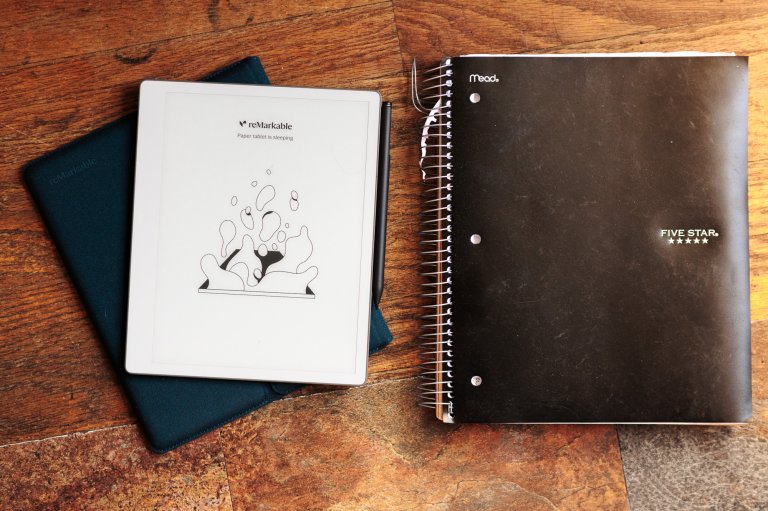
What is it?
The reMarkable Paper Pure is technically a tablet due to its form factor, but don’t expect anything in the neighborhood of an iPad replacement. This is a digital notebook that’s designed to act like a connected version of a real paper notebook. The high-contrast e-ink screen is responsive and covered with a texture that makes writing feel like a pen skating across paper. It doesn’t browse the web or play back streaming content, and there are no messages here to get lost in. It’s meant for writing, note taking, and even doodling.
Rather than using Android or some other third-party operating system, the reMarkable device relies on a proprietary system and syncs notes and other documents to its own cloud. It’s meant to act as a piece of a workflow rather than replacing a big chunk of it.
The Paper Pure ships in early June at a starting price of $399. The bundle costs $449 and adds a Sleeve Folio case along with the Marker Plus, which has a textured grip and a built-in eraser. Both ship with a 50-day free trial of reMarkable’s Connect subscription, which runs $3.99 a month or $39 a year after that and unlocks handwriting search, AI handwriting-to-text conversion, unlimited cloud storage, calendar-linked meeting notes, and integrations like Send to Slack and Send to Miro.
Out of the box
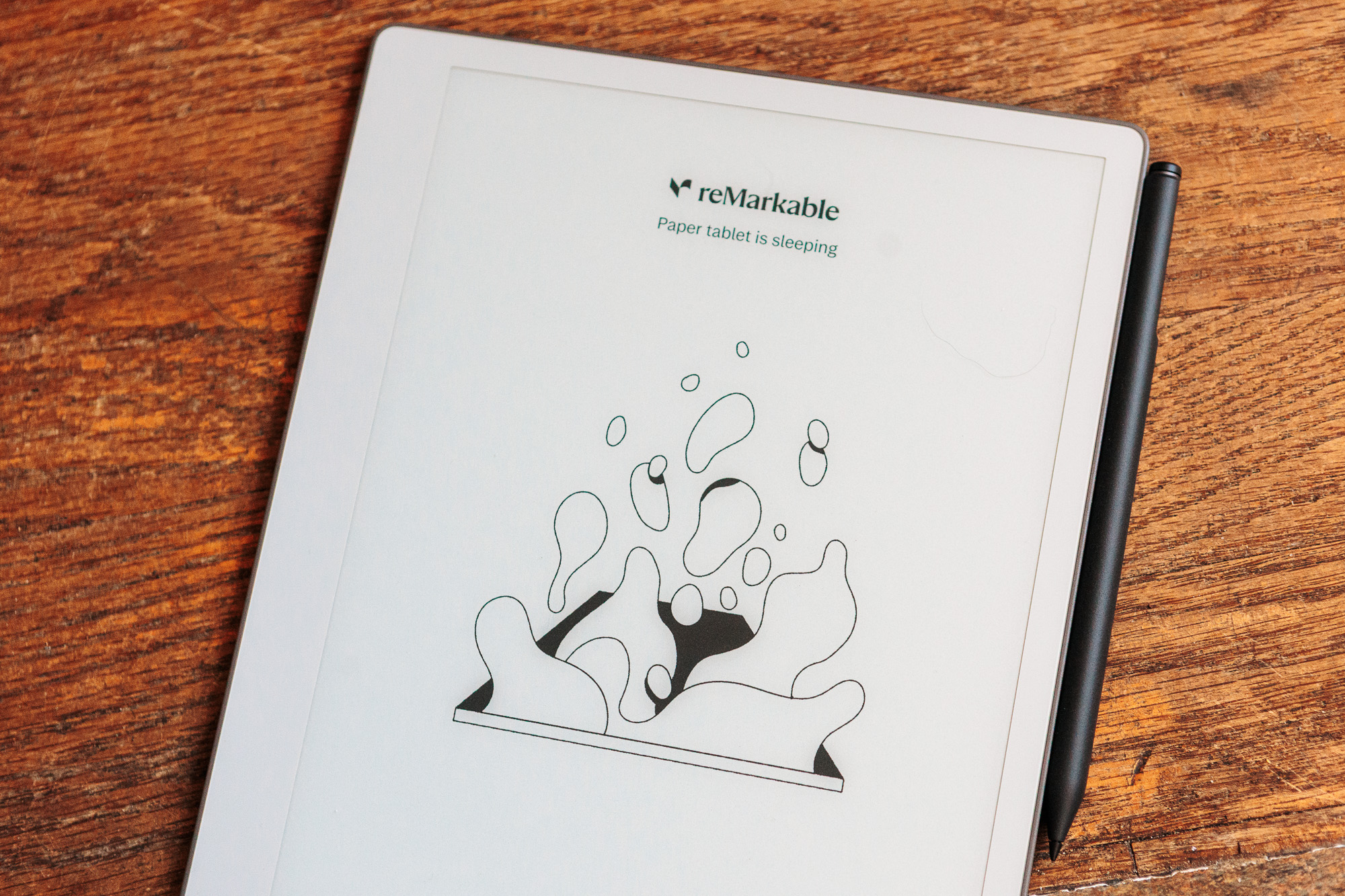
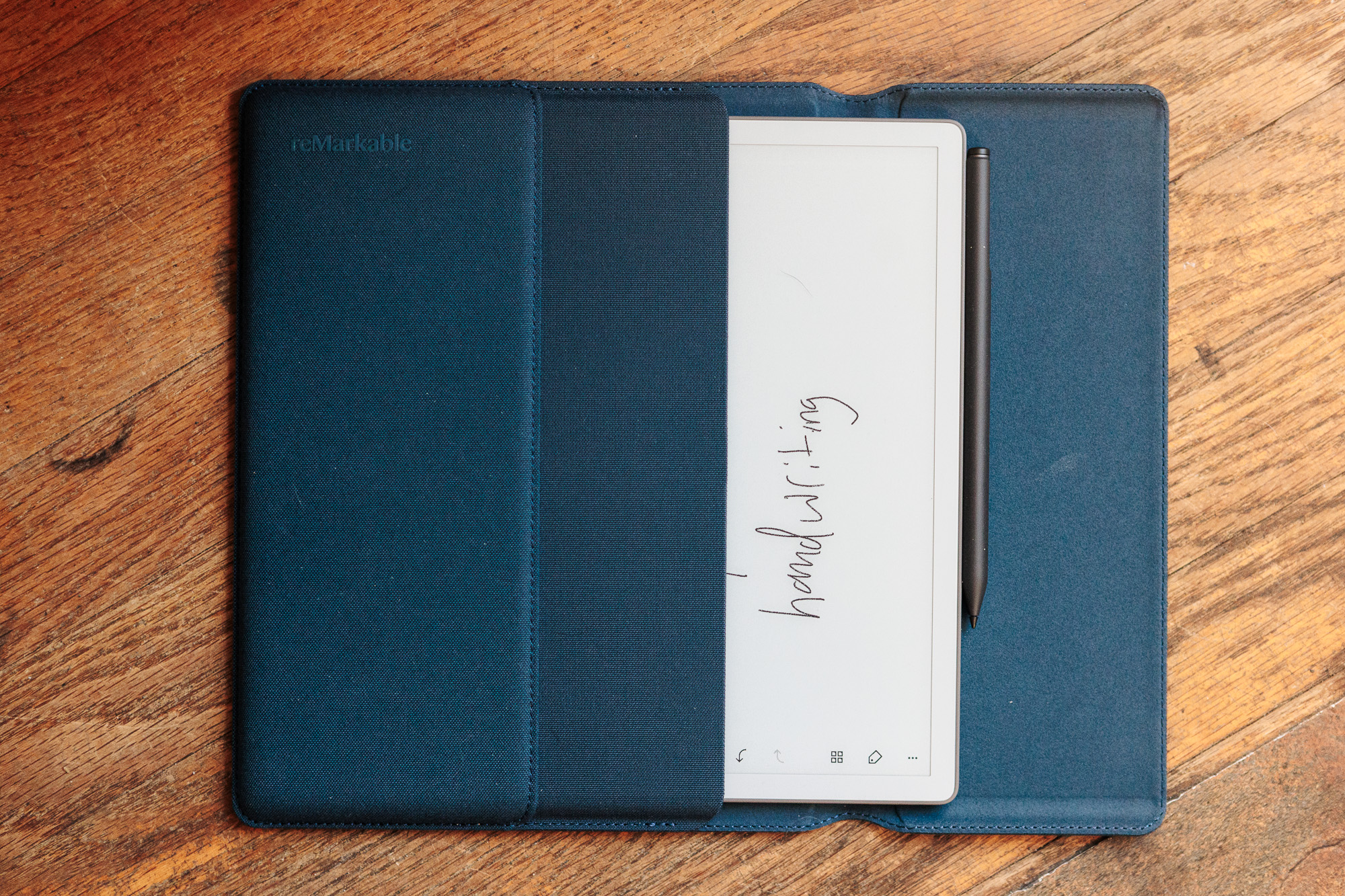
The Paper Pure measures 6 mm thick and weighs 0.79 pounds, which makes it both smaller and lighter than the typical paper notebook I like to carry. The chassis has grooved sides that reMarkable says are inspired by a stack of paper. The device has the proportions of a thin steno pad, but it’s rigid and feels sturdy when you’re holding it. reMarkable builds it with screws and snaps instead of glue, which is the kind of decision that translates to a five-year lifespan instead of a two-year one. It uses 38% recycled materials, including all of the lithium and cobalt in the battery and most of the magnesium in the central frame, and the company says its 28.7 kg CO2e carbon footprint is 45% lower than the reMarkable 2’s. It doesn’t feel fragile, but I’m glad to have the Sleeve Folio to protect it while it’s in my bag.
The actual writing experience is fantastic. It uses the same advanced textured surface reMarkable puts on the Paper Pro, sitting on top of a third-generation black-and-white Canvas display that the company says is its crispest and whitest yet. There is a slight resistance that feels more satisfying than a stylus on a typical glass screen. I showed it to a handful of people who have never heard of the device and most of them were blown away by the feel and responsiveness.
There won’t be light
While the hardware is slick, it doesn’t have any light built in. The company is clear that it wants to provide an authentic notebook writing experience, which means no light emission. On one hand, it’s successful in emulating a paper notebook. On the other hand, there were a few times when I would have used a front light like the one found on the Pro model. The Paper Pure’s screen is beautiful and fights glare with aplomb. The texture on the screen renders specular highlights (bright points of light on glossy screens created by light bouncing directly back at the viewer’s eye) into a gentle glow. A simple book light works if you want to occasionally write in the dark, but if you’re planning to spend a ton of time in dimly lit areas, it’s worth spending the extra cash to go upmarket in the line.
Writing on it
Despite the lack of illumination, reMarkable provides the best overall digital notebook experience and that’s still true with the Paper Pure. The digital ink appears under the pen tip in 21 milliseconds (according to the product specs, I don’t have an ink-appearing-timer-measuring-device). That’s faster than the blink of an eye, and the result mimics real writing. The line weight tracks pressure cleanly across the Marker’s range, so a quick checkbox feels different from an underline. I have been using this testing process as an opportunity to give bullet journaling another shot and it’s even better than a physical journal.
While e-ink is notorious for its slow refreshes, the new Paper Pure transitions quickly. You still get the familiar e-ink flash across the screen, but just about every function and navigation element is snappier than it was in the previous model. You likely won’t notice an upgrade if you’re already on a reMarkable 2, but you’re getting up-market performance in the most budget-friendly model.
The OS gets out of the way. Notebooks, folders, tags, and a search function for handwritten notes (one of the features reMarkable gates behind the Connect subscription) handle most of the interactions. The toolbar collapses to a thin strip while you write so the page stays clean. Sync to the reMarkable mobile and desktop apps happens in the background and was reliable during my time with the device. Imports come in from Microsoft Word, OneDrive, Dropbox, and Google Drive, and a Connect feature called Convert to Notebook turns those documents into native notes you can mark up.
It took me a few days to figure out what templates and processes I like best. Notebooks are a weirdly personal thing and your preferences may be totally different than mine. Once you get in the habit, it’s easy to get reliant on it.
Performance
The Paper Pure feels faster than a writing tablet has any right to feel. Page turns in a PDF land quickly. Opening a notebook from the home screen is close to instant, and waking from sleep doesn’t have the e-ink lag I associate with cheaper Kindles or older Boox units. I spent some time working through a tedious (in a good way) vintage camera manual that I was able to import as a PDF.
Unlike the Paper Pro, you won’t find connectors to attach this device to a keyboard. You do some on-screen typing when you set up the device, but this is meant for handwriting. You have to be committed to treating it like a notebook for it to fit your specific style.
Battery life over my testing window is still unclear as I haven’t depleted it all the way yet. I have been using it heavier than typical as I was putting it through its paces and it seems like even a week of strenuous use isn’t enough to drain the battery. reMarkable claims up to three weeks on an hour of daily note-taking, which I can see happening in the real world. The device charges over USB-C from a standard brick. The USB-C port is all the way to the left on the bottom of the device.
Who it’s for
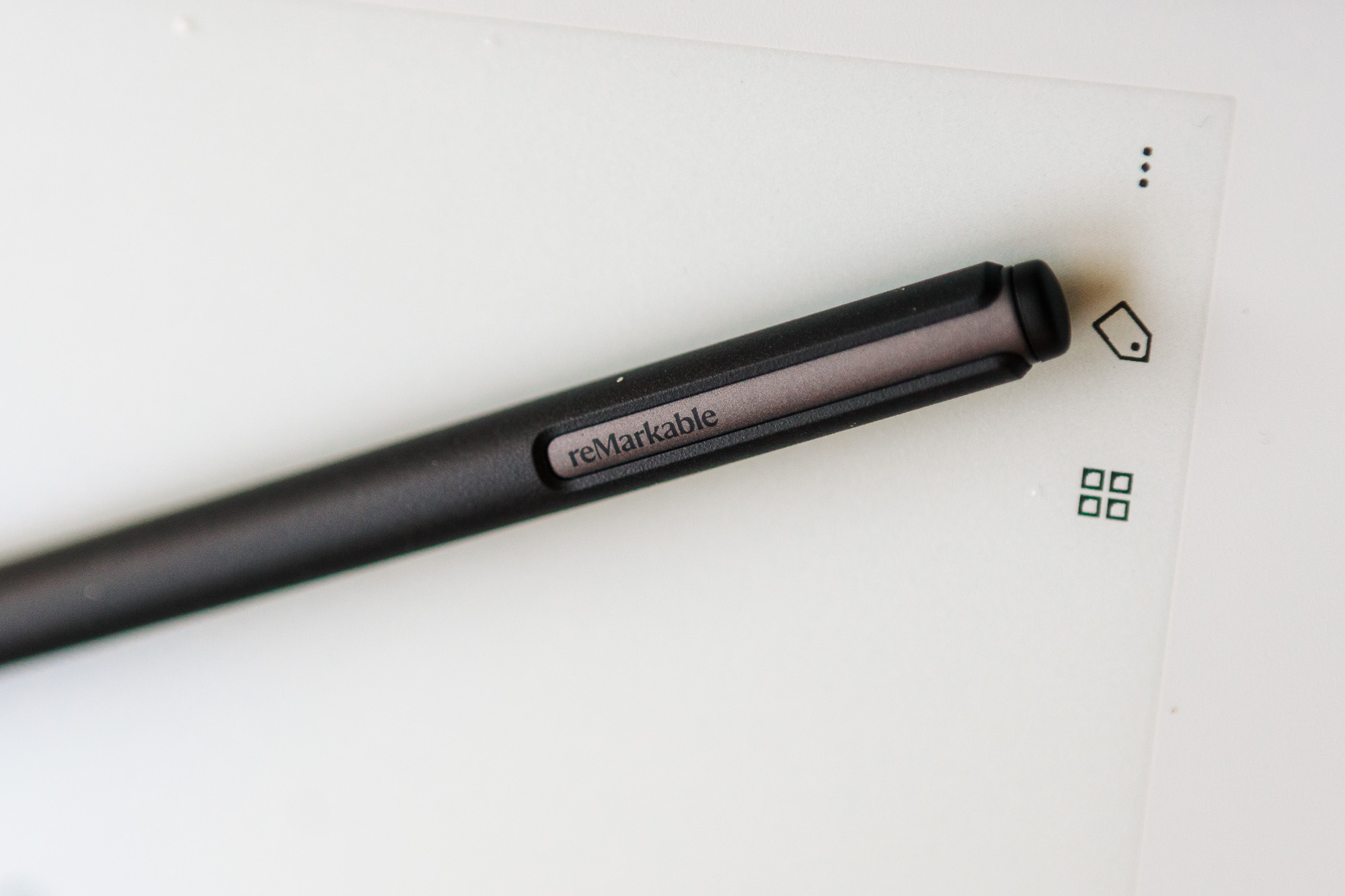
The market for devices that eschew distractions has been swelling in recent years. This is a natural progression for people who have to exist in the digital world (and appreciate some of the conveniences), but want to avoid the constant barrage of notifications and the lure of bright, noisy apps. The Paper Pure is a notebook replacement through and through.
There is no browser, no third-party app store, and the most useful software features sit behind a Connect subscription. If you want to read books in bed without an external lamp, get a dedicated e-reader. A full-fledged tablet is the answer if you want apps. And if you want the same hardware with a front light and color, look at the Paper Pro instead. The Paper Pure is what is left after you remove all of those options on purpose for a purist experience. It’s an enjoyable experience for the right person.
The verdict
Buy it if you already know who you are. The Paper Pure is the cleanest writing experience I have had on an e-ink tablet. The hardware is well-built and the software stays out of the way. The missing front light is the one thing I felt most days, and it is the reason the more expensive Paper Pro still has an argument. But the Paper Pure is cheaper, lighter to think about, and aimed at the buyer who wants the focus a paper notebook gives them with a search function attached.