We may earn revenue from the products available on this page and participate in affiliate programs. Learn more ›
Apple’s latest MacBook Pro refresh landed today with two new processors, the M5 Pro and M5 Max, built on what the company calls its Fusion Architecture. We have already been using the vanilla M5 chip in the latest version of the Apple Vision Pro headset, but these new MBP models crank up the power level even more. The new machines ship March 11 with pre-orders opening March 4. As always, Apple’s claims are ambitious. Here’s what you need to know before deciding whether this upgrade is worth your attention — or your money.
1. Apple’s “Fusion Architecture” is the biggest structural change to its pro chips in years
The M5 Pro and M5 Max represent a fundamental shift in how Apple builds its high-end silicon. Rather than scaling up a single monolithic die, these chips use what Apple calls Fusion Architecture: two separate third-generation 3-nanometer dies connected with high bandwidth and low latency into a single system-on-chip. The combined SoC houses the CPU, GPU, Media Engine, unified memory controller, Neural Engine, and Thunderbolt 5 capabilities all together. This is Apple’s version of the chiplet approach that AMD uses in its Ryzen and EPYC processors, and it’s a meaningful departure from how Apple has historically built its M-series Pro and Max variants. The practical benefit is that it lets Apple pack in more cores without production penalties.
2. Both chips now share the same 18-core CPU — and there’s a new naming scheme to go with it
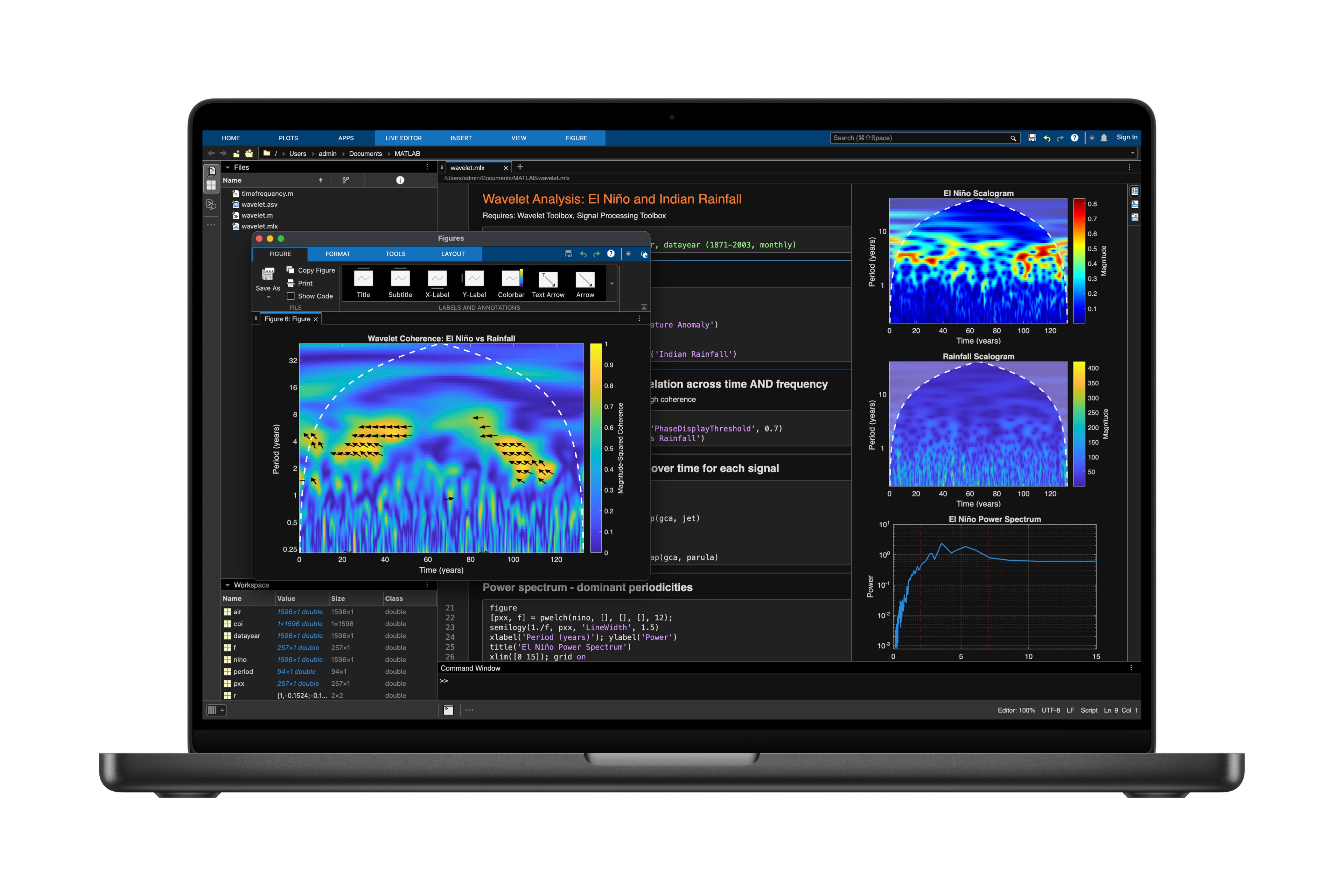
In previous generations, the Pro and Max variants had different CPU core counts. The M4 Pro had a 14-core CPU while the M4 Max had 16. This time, both the M5 Pro and M5 Max share an identical 18-core CPU: six high-performance cores Apple is now calling “super cores” and 12 all-new efficiency-oriented “performance cores.” What Apple previously called “performance cores” in the base M5 chip have been rebranded as “super cores” across the entire M5 product line — MacBook Air, MacBook Pro, iPad Pro, and Apple Vision Pro. These are the same core design in all of those products. The 12 “performance cores” alongside them are a new, separate design optimized specifically for power-efficient multithreaded work. Apple says the super cores deliver the world’s fastest single-threaded performance, citing increased front-end bandwidth, a new cache hierarchy, and enhanced branch prediction. Overall, Apple says multithreaded CPU performance is up to 30 percent faster than the M4 generation, and up to 2.5x faster than M1 Pro and M1 Max.
3. The GPU story is really about AI — not just graphics
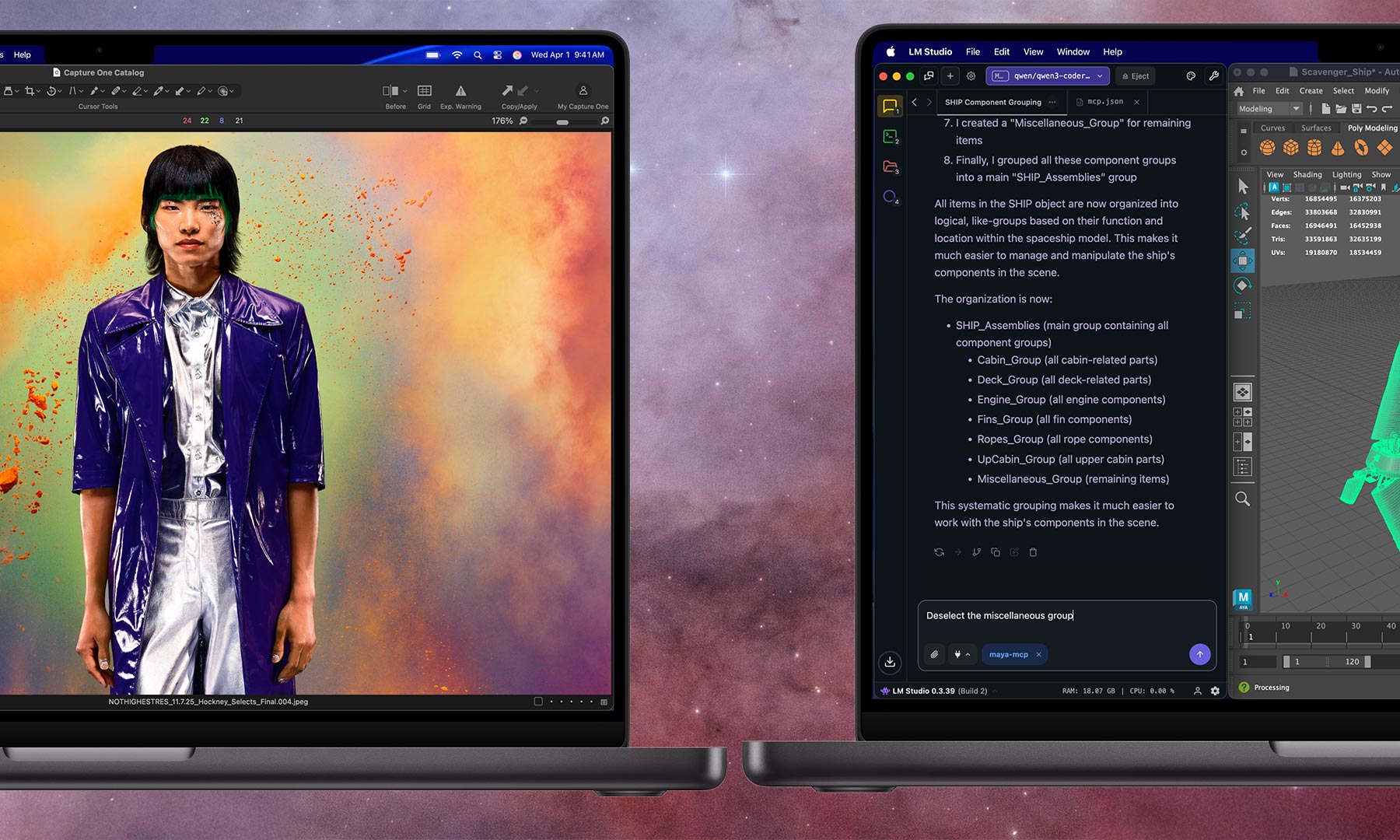
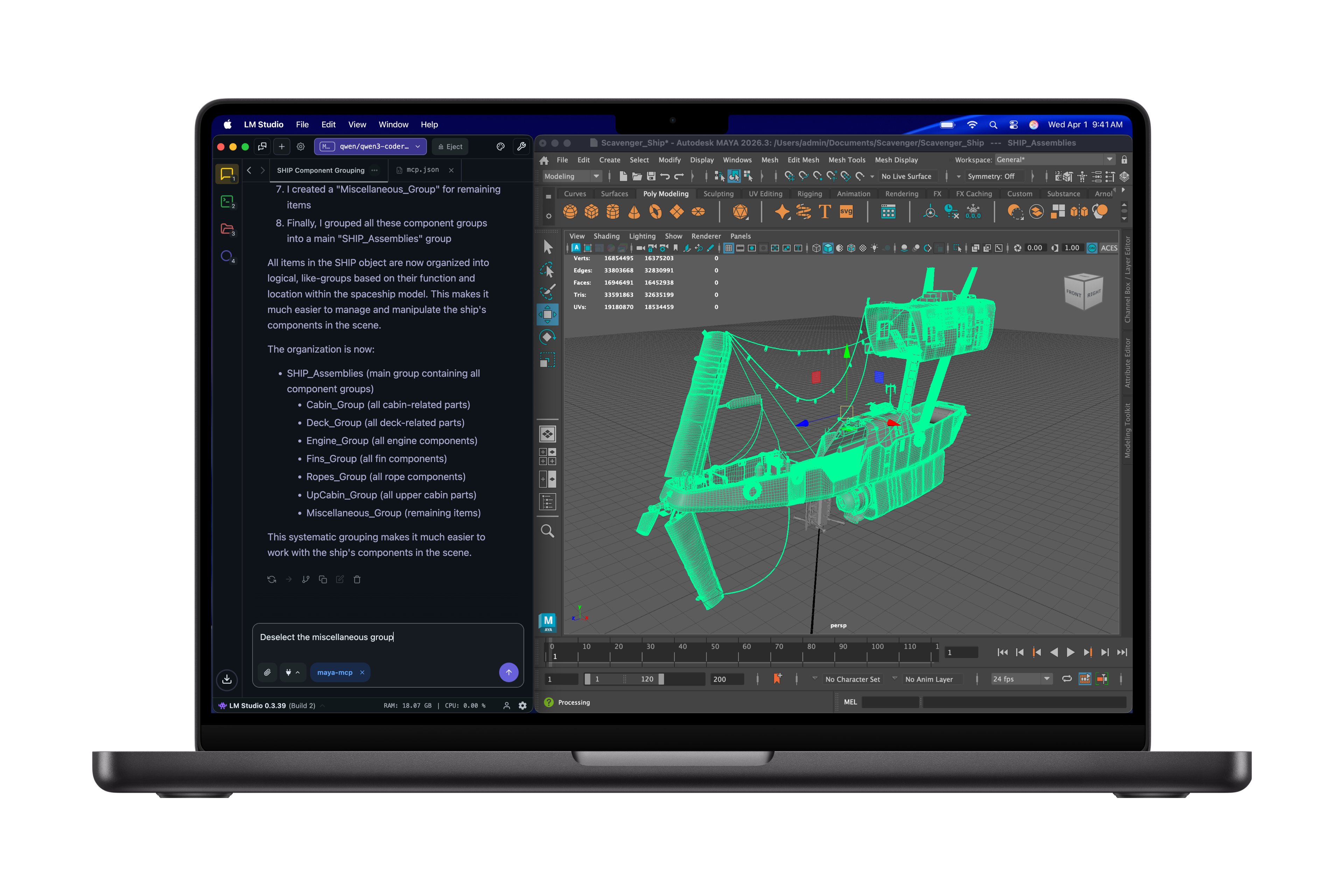
The M5 Pro packs up to 20 GPU cores while the M5 Max doubles that to 40. Each GPU core now includes what Apple calls a Neural Accelerator — dedicated hardware designed to accelerate machine learning inference directly on the GPU. Combined with a 16-core Neural Engine that now has a higher-bandwidth connection to memory, Apple claims these chips deliver over 4 times the peak GPU compute for AI compared to the M4 generation, and over 6x compared to M1 Pro and M1 Max. Apple specifically cites up to 4x faster LLM prompt processing versus M4 Pro and M4 Max.
For traditional graphics work, the gains are more incremental but still notable: up to 20 percent higher general graphics performance versus the M4 generation, and up to 35 percent improvement in ray-traced rendering thanks to Apple’s third-generation ray-tracing engine. The GPU also features second-generation dynamic caching and hardware-accelerated mesh shading.
4. Memory bandwidth got a serious bump
The M5 Pro now supports up to 64GB of unified memory (up from 48GB on the M4 Pro) with 307 GB/s of bandwidth. The M5 Max pushes to 128GB with 614 GB/s. Those bandwidth numbers are particularly relevant for anyone running large language models locally. In LLM inference, the speed at which the processor can read model weights from memory directly determines token generation speed. Apple’s claim of up to 4x faster LLM prompt processing, if accurate, would make the M5 Max one of the most capable consumer platforms for local AI inference. That said, 128GB, while impressive for a laptop, still limits you to running models around the 70-billion-parameter range. The largest open-weight models need more. The bandwidth increase also matters for traditional pro workflows — Apple specifically calls out AI model training, massive video projects, and complex 3D scenes as benefiting from the higher memory throughput.
5. SSD speeds doubled, and base storage went up across the board
Apple has increased SSD read speeds to up to 14.5 GB/s. That’s roughly double the previous generation. It has also bumped the base storage configurations: 1TB standard on M5 Pro models, 2TB on M5 Max. Even the base 14-inch MacBook Pro with the standard M5 chip now starts at 1TB. The doubled SSD speed matters most for workflows involving large file transfers, editing high-resolution video (especially 4K and 8K projects), loading big datasets, and working with LLMs that need to page model data. The higher base storage also means entry-level configurations are more practically usable out of the box, which is welcome — though it partially explains the price increases.
6. Memory Integrity Enforcement is a quiet but significant security feature
Buried in the chip-focused press release is a detail that deserves more attention: M5 Pro and M5 Max support Memory Integrity Enforcement, which Apple describes as an industry-first, always-on memory safety protection that it claims won’t compromise device performance. Memory safety vulnerabilities — like buffer overflows and use-after-free bugs — have been among the most exploited classes of software flaws for decades. Hardware-level enforcement of memory safety is something the security community has long advocated for, and Apple appears to be implementing it without requiring users to make a performance trade-off. The practical impact for everyday users is invisible by design — it’s a layer of protection running underneath everything else. But for enterprise buyers and security-conscious professionals, this could be a meaningful differentiator.
7. Wi-Fi 7 and Bluetooth 6 finally arrive via Apple’s custom N1 chip
The MacBook Pro now includes Apple’s N1 wireless networking chip, bringing Wi-Fi 7 and Bluetooth 6 to the Mac for the first time. Wi-Fi 7 (802.11be) offers significantly higher theoretical throughput and lower latency compared to Wi-Fi 6E, which matters for large file transfers over a network, cloud-based workflows, and congested wireless environments. You will, of course, need a Wi-Fi 7 router to see any benefit — and real-world wireless performance depends heavily on your specific environment. Bluetooth 6 brings improvements in range, efficiency, and device coexistence that should improve the experience with peripherals like headphones, keyboards, and spatial computing accessories.
8. Thunderbolt 5 gets dedicated per-port controllers
While the M4 MacBook Pro already offered Thunderbolt 5, Apple says each of the three Thunderbolt 5 ports on the new models now has its own custom-designed controller built directly onto the chip. The practical implication: you should be able to run multiple high-bandwidth peripherals including external storage arrays, high-resolution displays, capture card, and more at full Thunderbolt 5 speeds simultaneously, without ports sharing bandwidth through a common controller. The HDMI port now supports 8K resolution output, and the M5 Pro can drive up to two external displays while the M5 Max handles up to four.
9. Battery life holds steady — with a small M5 Max bump
Don’t expect a dramatic leap in this regard. Apple quotes up to 24 hours of battery life overall, with identical numbers for M5 Pro configurations compared to their M4 Pro predecessors. The M5 Max models see a modest improvement — earlier reporting suggests the 14-inch M5 Max delivers up to 20 hours (versus 18 on the M4 Max) and the 16-inch gets 22 hours (versus 21). Given that the M5 Pro and M5 Max are built on the same third-generation 3nm process as the M4 chips, the similar battery life isn’t surprising. The performance gains are coming from architectural improvements and more cores, not a process shrink. Apple does note that performance remains consistent whether the laptop is plugged in or on battery and that you can fast-charge to 50 percent in 30 minutes with a 96W or higher USB-C adapter.
10. Prices are higher — but so is what you get at the base level
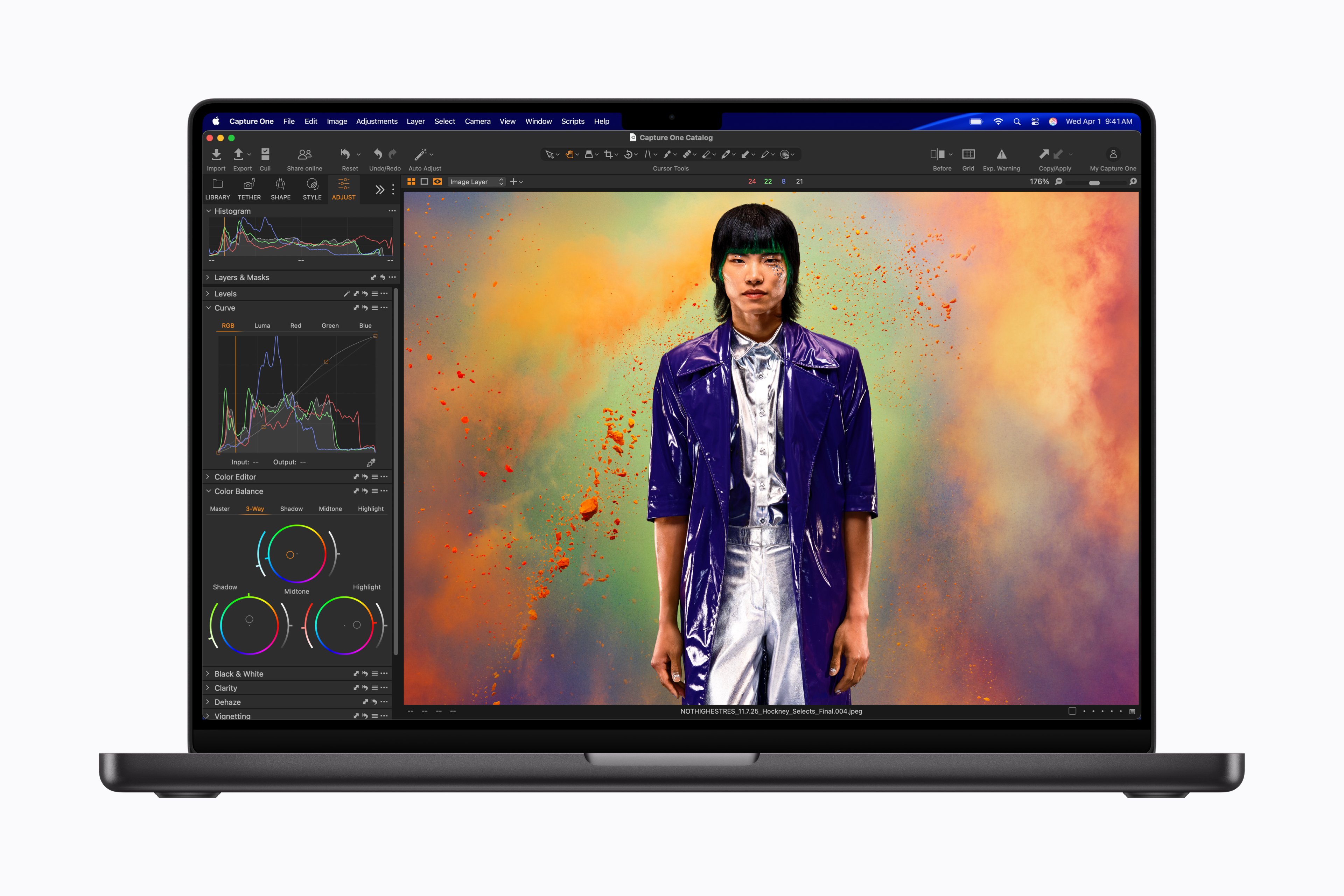
The 14-inch M5 Pro starts at $2,199 and the 16-inch at $2,699. M5 Max configurations start at $3,599 for the 14-inch and $3,899 for the 16-inch. There’s also a 14-inch model with the base M5 chip at $1,699. Those are all price increases over the M4 generation. But the higher base storage — 1TB and 2TB respectively — likely accounts for a significant portion of the difference. Whether the M5 generation represents a worthwhile upgrade depends heavily on what you’re upgrading from. If you’re on an M1 or M2 Pro/Max machine, the cumulative gains are enormous — Apple claims up to 8x faster AI performance and up to 2.5x faster multithreaded CPU performance versus M1 Pro and M1 Max. If you bought an M4 Pro or M4 Max last year, the case is harder to make unless you have specific AI or GPU-intensive workloads that will benefit from the new Neural Accelerators and higher memory bandwidth. The physical design hasn’t changed — same Space Black and Silver finishes, same Liquid Retina XDR display with its 1600 nits peak HDR brightness and nano-texture option. The machines ship with macOS Tahoe, which brings Apple’s new Liquid Glass design language and expanded Apple Intelligence capabilities.
Pre-orders open March 4 at 6:15 a.m. PT, with machines arriving starting March 11. We’ll have full benchmark results and a hands-on review soon.