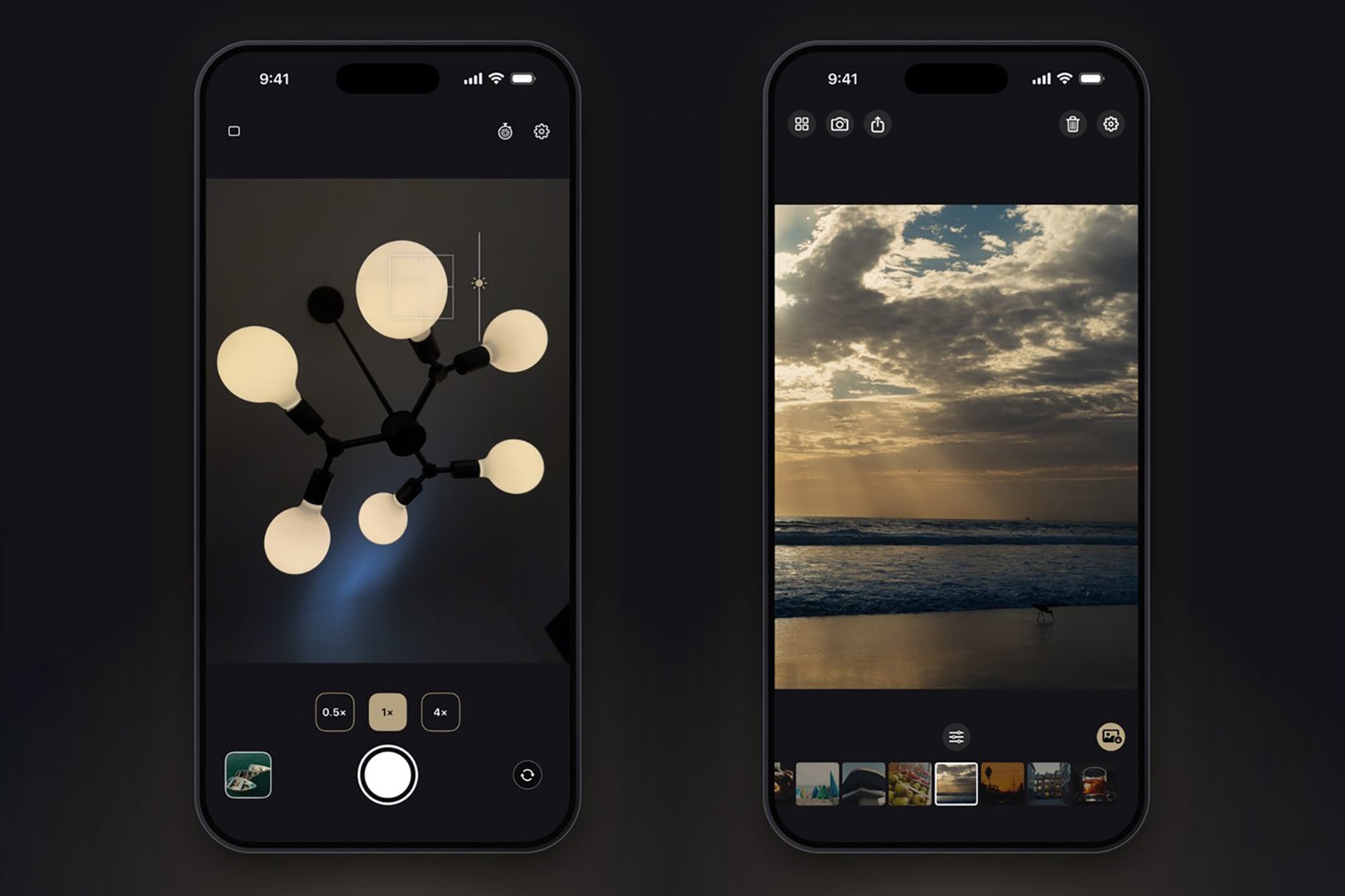
If you’ve got some time to spare to browse through the iOS App Store, try looking for alternatives to the iPhone’s default Camera app, because there are a ton of them available. From the powerful manual controls of Halide Mark III to the wealth of customization features in ProCamera, you’ve got plenty of options to explore.
The latest iOS camera app to be added to the pile is a little bit different, though. It comes from film director Rian Johnson, of “Star Wars: The Last Jedi” and “Knives Out” fame, and his long-time cinematographer Steve Yedlin, and its aim is to bring the pair’s cinematic aesthetics of choice to the photos you snap on your iPhone.
The thinking behind the app, Chromagraph Camera, is that it builds its own photo style right from the raw image. It’s not a filter added on top of what the iPhone has already done to your pictures—it’s a completely different approach to processing images that gives them a distinctive look.
You can pick up the app for yourself from the App Store: It’s not cheap at $12.99, but there are no recurring subscriptions to deal with. Here’s what your money gets you.
How Chromagraph Camera works
Every time you snap a photo on your smartphone—whether it’s made by Apple, Google, Samsung, or anyone else—the built-in camera app makes certain choices about how the image is processed. What you see in your photo gallery is the result of numerous computational decisions about color, contrast, and brightness.
You can see this for yourself if you take the same shot with phones from two different manufacturers. Of course, you can tweak the images afterward using an editing app and make your own choices about the different characteristics of your photos, but there’s a certain amount of control baked in when it comes to how those photos should look.
With the Chromagraph Camera app, Yedlin and Johnson take over those processing decisions, making your images look—in simple terms—like they’re from a “Knives Out” film in terms of color and texture rendering. You get low noise, better highlights, and a picture that’s typically darker and warmer overall.
Johnson told The Verge that he “bullied” Yedlin into making the app after becoming frustrated with the editing options and default output of the iPhone camera. “I would do a lot of messing with every photo,” he says, “and then it was a little like I’d wandered through the woods and I wasn’t sure how I’d gotten there.”
The end result is a camera app that does less balancing and brightening overall—Yedlin told IndieWire that it works best with “vibrant colors”—and you’ll notice softer edges and better saturation balance. Grain is also an important part of the style, and you’ll also notice a slight glow around brighter areas.
What Chromagraph Camera is like to use
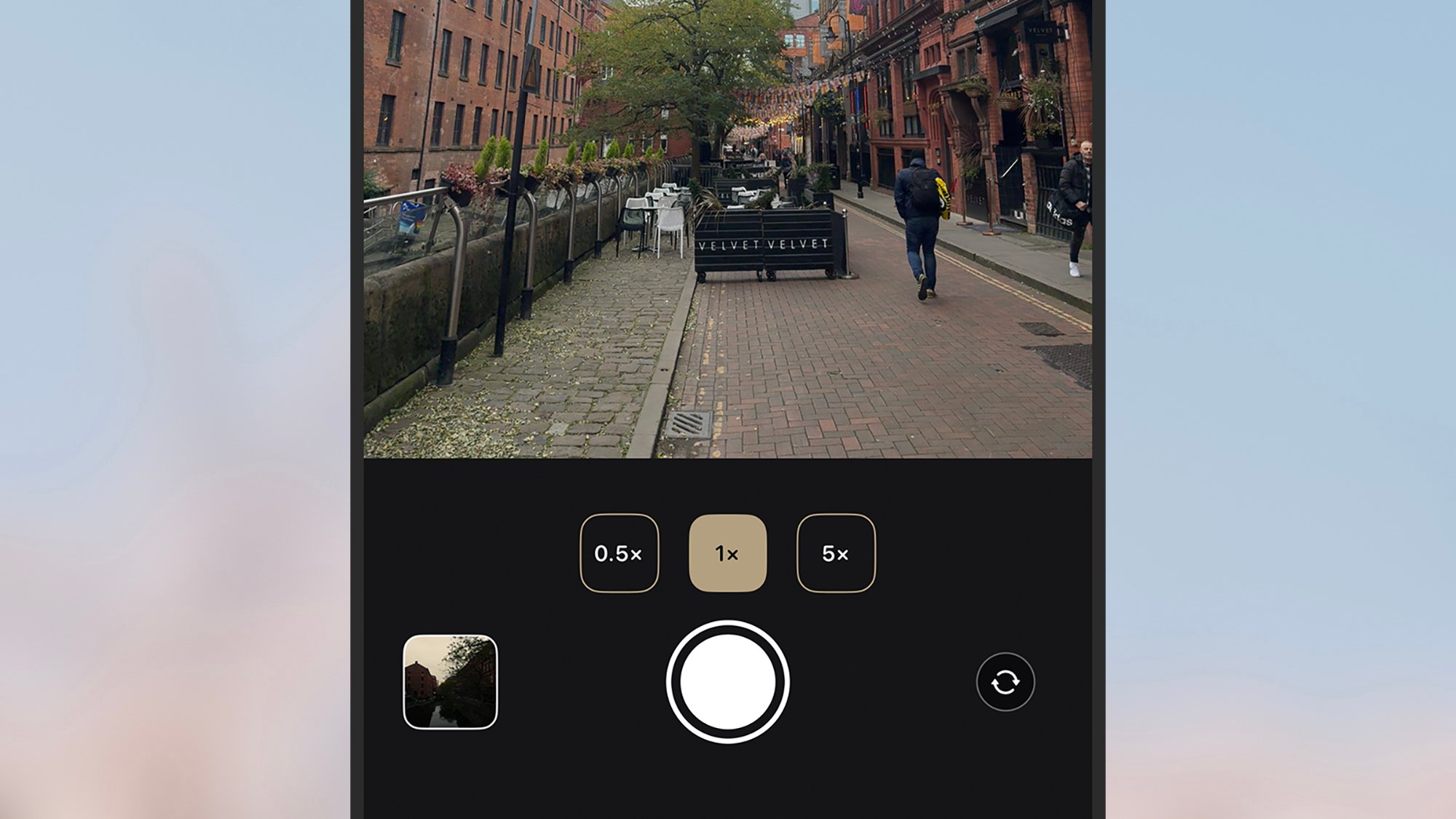
Chromagraph Camera couldn’t be any simpler to use: You just point and shoot like you would with any other camera app. The controls you’ll see on screen when you open it show three zoom options (0.5x, 1x, and 5x), plus a button to switch between front and back cameras, and options for a timer and burst mode at the top.
Note that the photo saved will be the processed one, and you won’t have a duplicate “normal” image in your Photos app to compare it with. You do get the source RAW image, though, accessible through Chromagraph Camera itself, so you can play around with your own editing tweaks if you like.
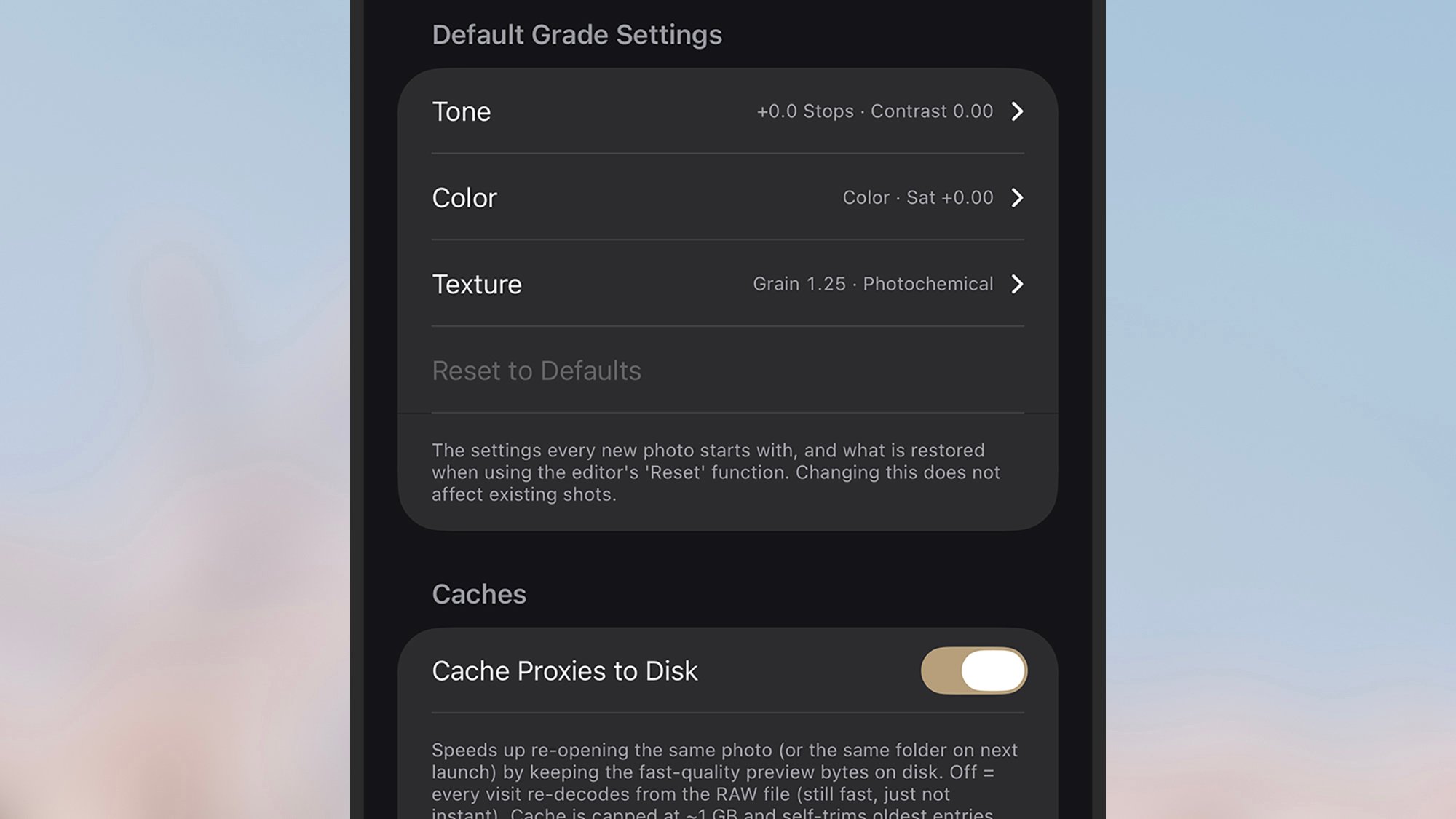
Tap the gear icon in the top-right corner of the capture screen to access the app options, and there are quite a few of them. You can choose how your images are saved, set options such as aspect ratio and the default iPhone lens to use, and tweak the default grading for tone, color, and texture.
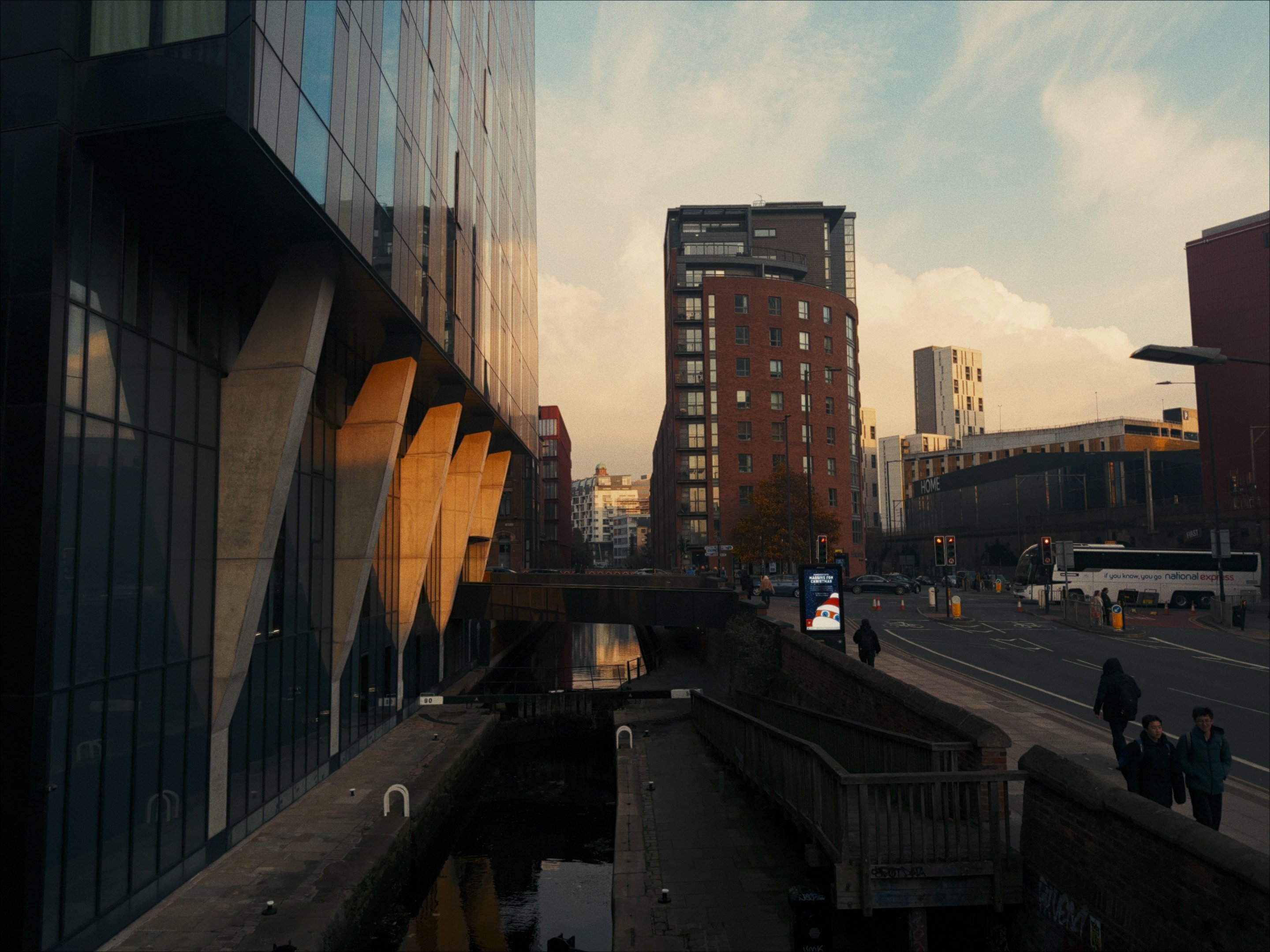
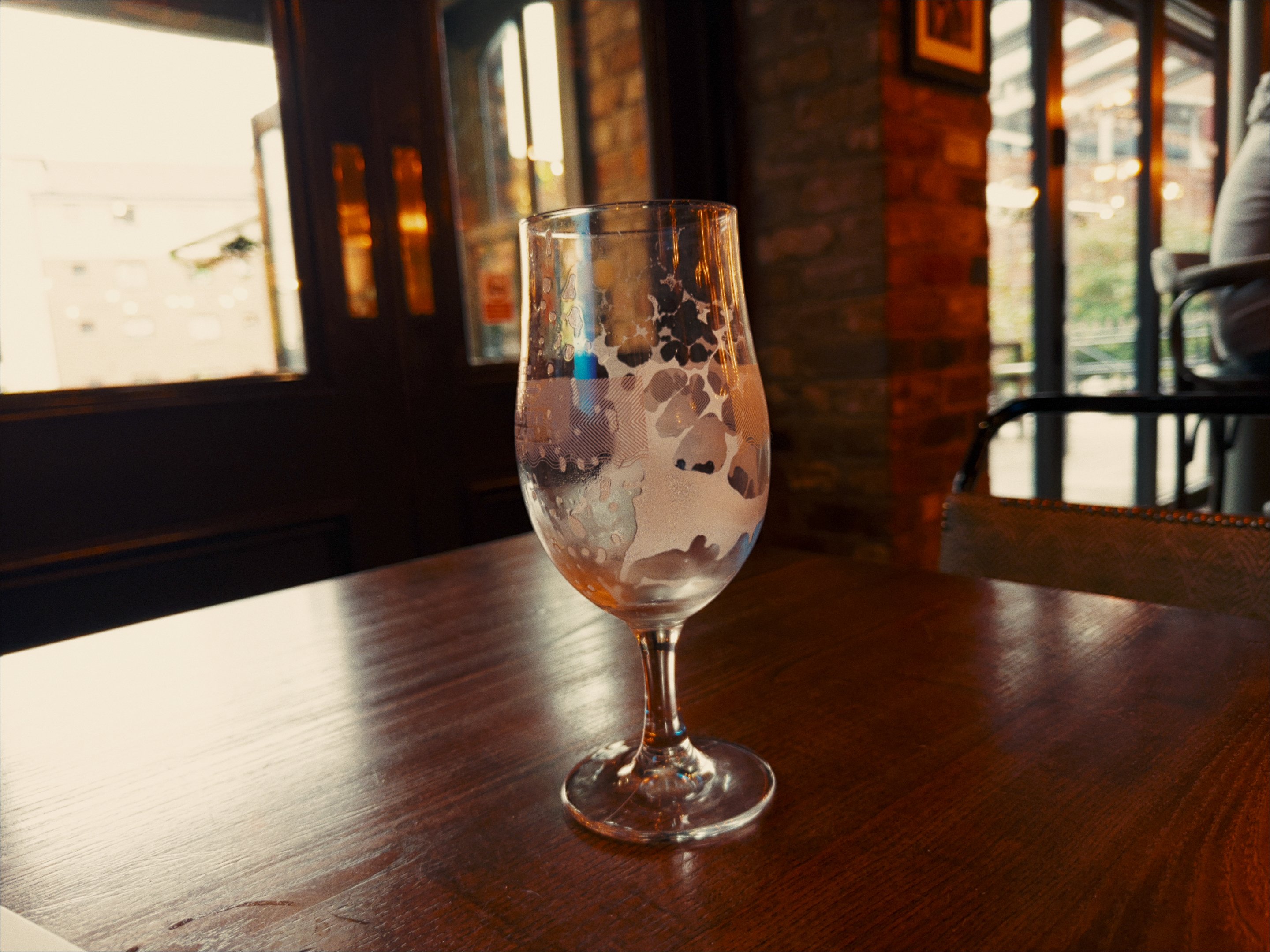
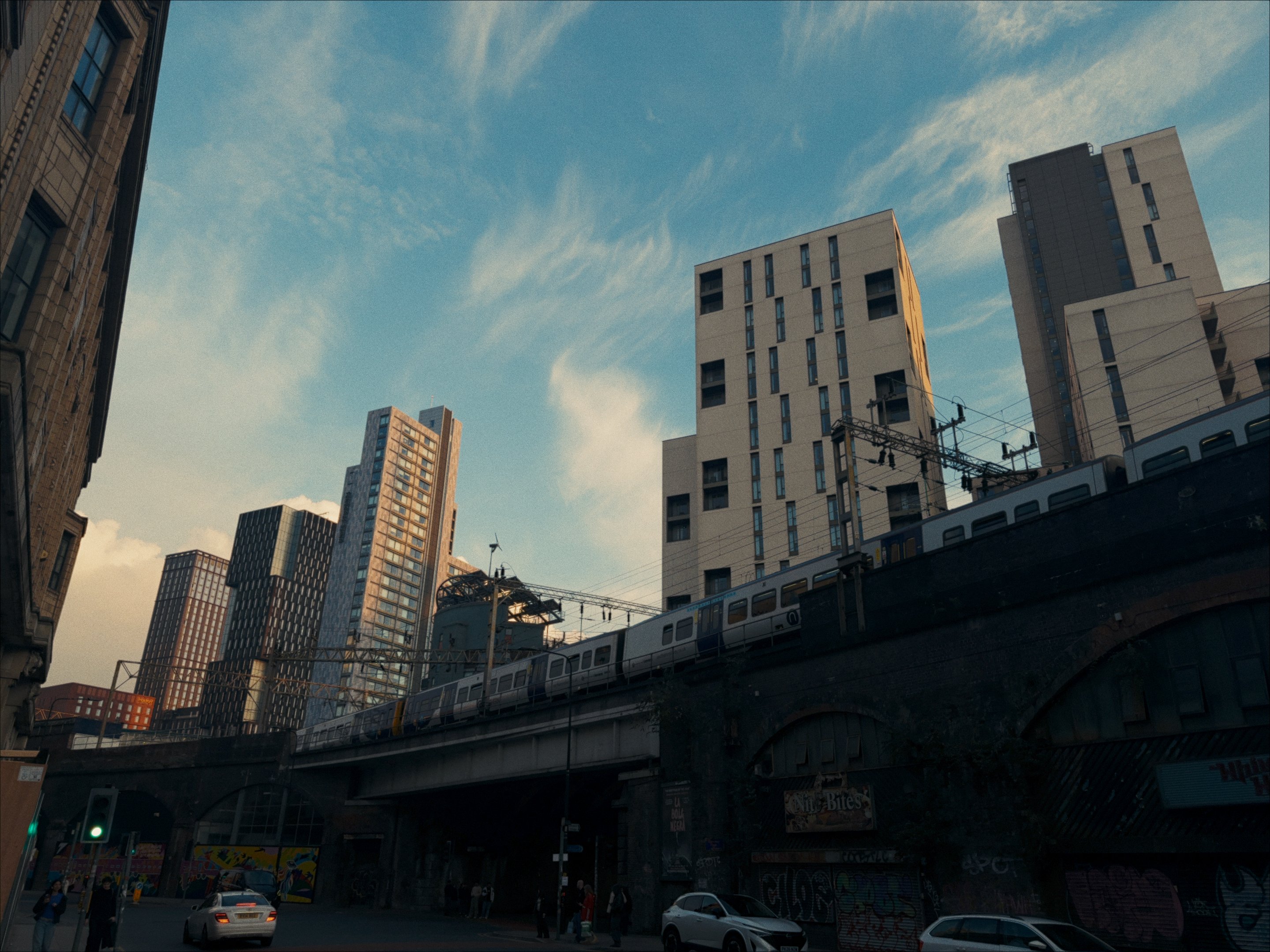
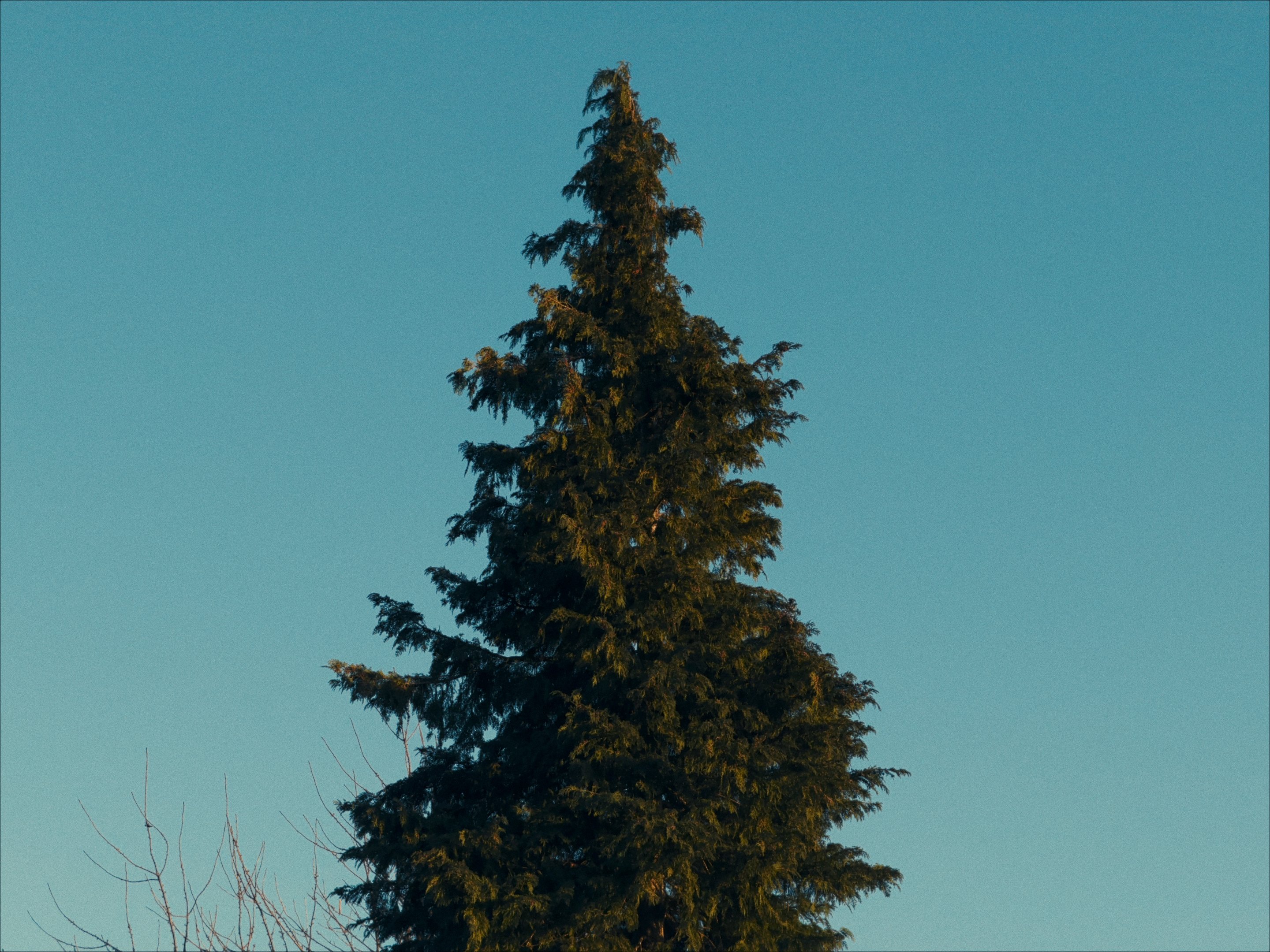
I tested the camera app around Manchester, UK, on a cold, sunny November afternoon, and you can see the results below. There’s definitely a deliberate aesthetic to these shots, and you can see that it really comes out well in certain scenarios—especially with rich colors that aren’t too dark or too bright to begin with.
It doesn’t work for every scenario, though, and won’t turn every photo into a photographic masterpiece, so bear that in mind. There are still times when I’d definitely go back to the default iOS camera, but Chromagraph Camera is a useful extra app when you’re taking images that need a certain cinematic vibe. (And don’t forget to back up all your photos.)
Sample photos