When you sign up for Netflix, you get a choice of price points, which then affects the quality of the streams you’ll see, how many streams you can set going simultaneously, and how many ads pop up.
What you might not know is that the video quality is affected by something else: The device you’re watching on. You might end up paying for 4K video without actually seeing that many pixels, as we’ll explain here.
At the time of writing, these are your Netflix plan choices:
- Standard with Ads: $8.99 per month, 1080p video quality, 2 simultaneous streams, up to 2 devices for offline viewing, and adverts.
- Standard: $19.99 per month, 1080p video quality, 2 simultaneous streams, up to 2 devices for offline viewing, and no adverts.
- Premium: $26.99 per month, 4K video quality, 4 simultaneous streams, up to 6 devices for offline viewing, and no adverts.
If you’re on that top 4K tier, you’re not always guaranteed to get 4K streaming, however—something that might not be clear when you subscribe. Here’s what you need to know about maximizing your streaming quality.
Why Netflix limits streaming to 1080p
Different devices have different capabilities and configurations—while both a TV and a tablet have a screen, for example, they really aren’t all that similar in terms of how they’re built and the components they have inside. Part of the reason 4K isn’t available everywhere is that Netflix tries to adjust their demands to match the hardware they’re on.
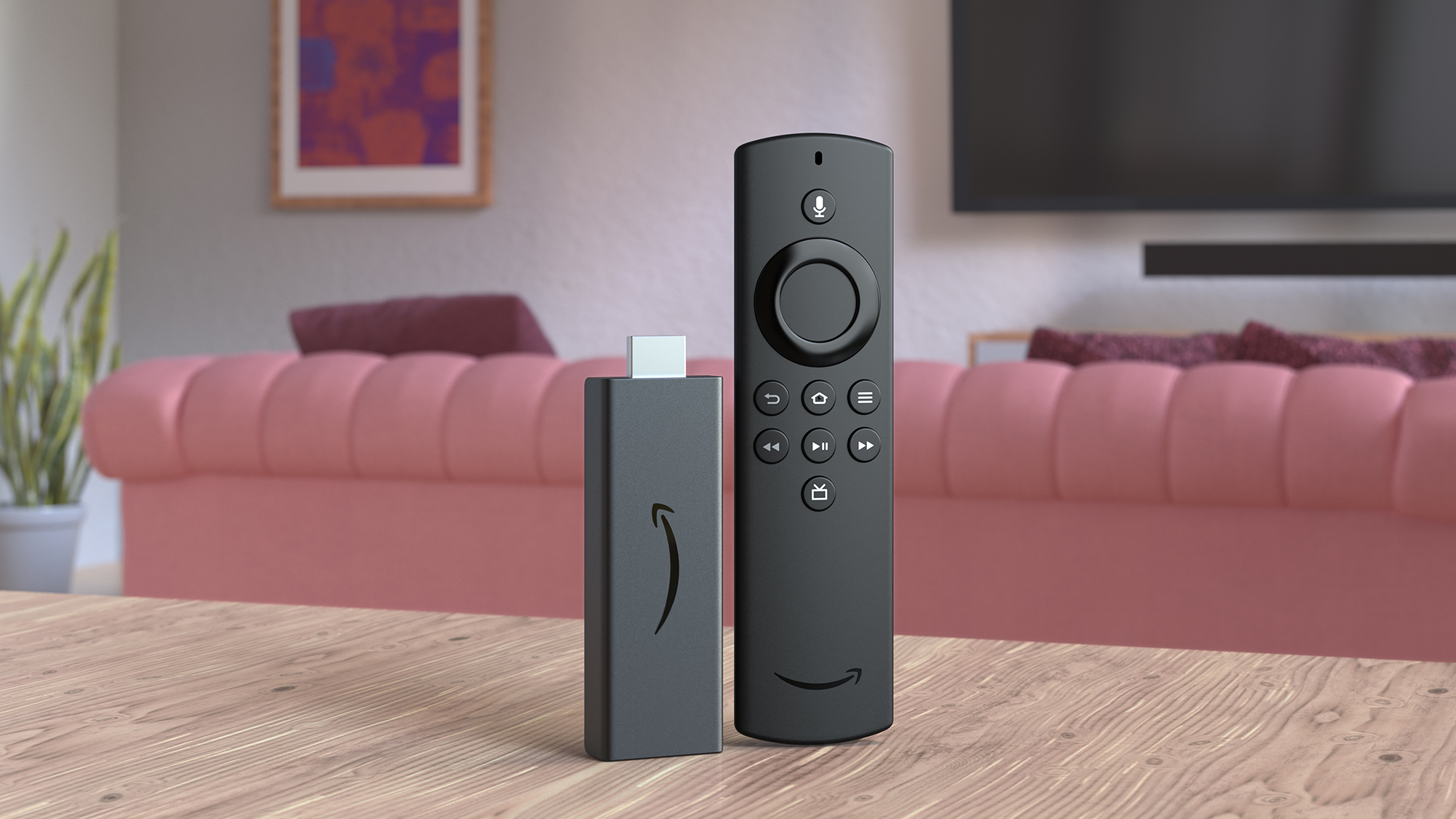
With TVs, you’ll need a 4K TV to watch in 4K—as long as you have that top-tier resolution, and are using the native Netflix app, then you should be okay. It’s the same for TV dongles and streaming devices: Look out for 4K in the name or in the specs list, whether it’s a device from Roku, Amazon, Google, or any other manufacturer.
When it comes to mobile devices and computers, one of the main reasons that streaming can get capped at 4K is piracy protection. Neither Netflix nor the studios making movies and shows want you ripping the video feed you’re getting, and if Netflix sees a setup that doesn’t meet its strict copyright protection requirements, it’ll dial down the feed quality.
There’s also the internet connection issue. No matter what device you’re watching on, Netflix apps will dial down the video quality if it can’t stream at full 4K. A connection speed of 15 megabits per second is recommended as a minimum by Netflix, so it’s worth double-checking your speeds on a site such as Fast.com.
Streaming in 4K on mobile devices
It’s worth saying right at the outset that you currently can’t get 4K Netflix streaming on any phone or tablet, whether it’s an Android or Apple device. Before you start canceling your subscription though, it’s important to understand the context behind why mobile streams are always capped at 1080p.
The first issue is screen resolution. Apart from the occasional Sony handset, we’ve never had phones or tablets with 4K screens—not even when it comes to the largest, high-end iPad Pros. The display sizes aren’t big enough for 4K resolutions to make a difference, and they would add extra manufacturing cost as well.
When it comes to mobile platforms, battery life and device performance need to be taken into consideration as well. Streaming a large amount of 4K video will stress the components of any phone or tablet, leading to increased demands on the battery and increased component temperatures (which reduces battery life even more).
As long as you’re using a recent Apple or Android device, which is running the latest available software, you should be able to get 1080p streams through the official Netflix app for the phone or tablet.
Streaming in 4K on computers
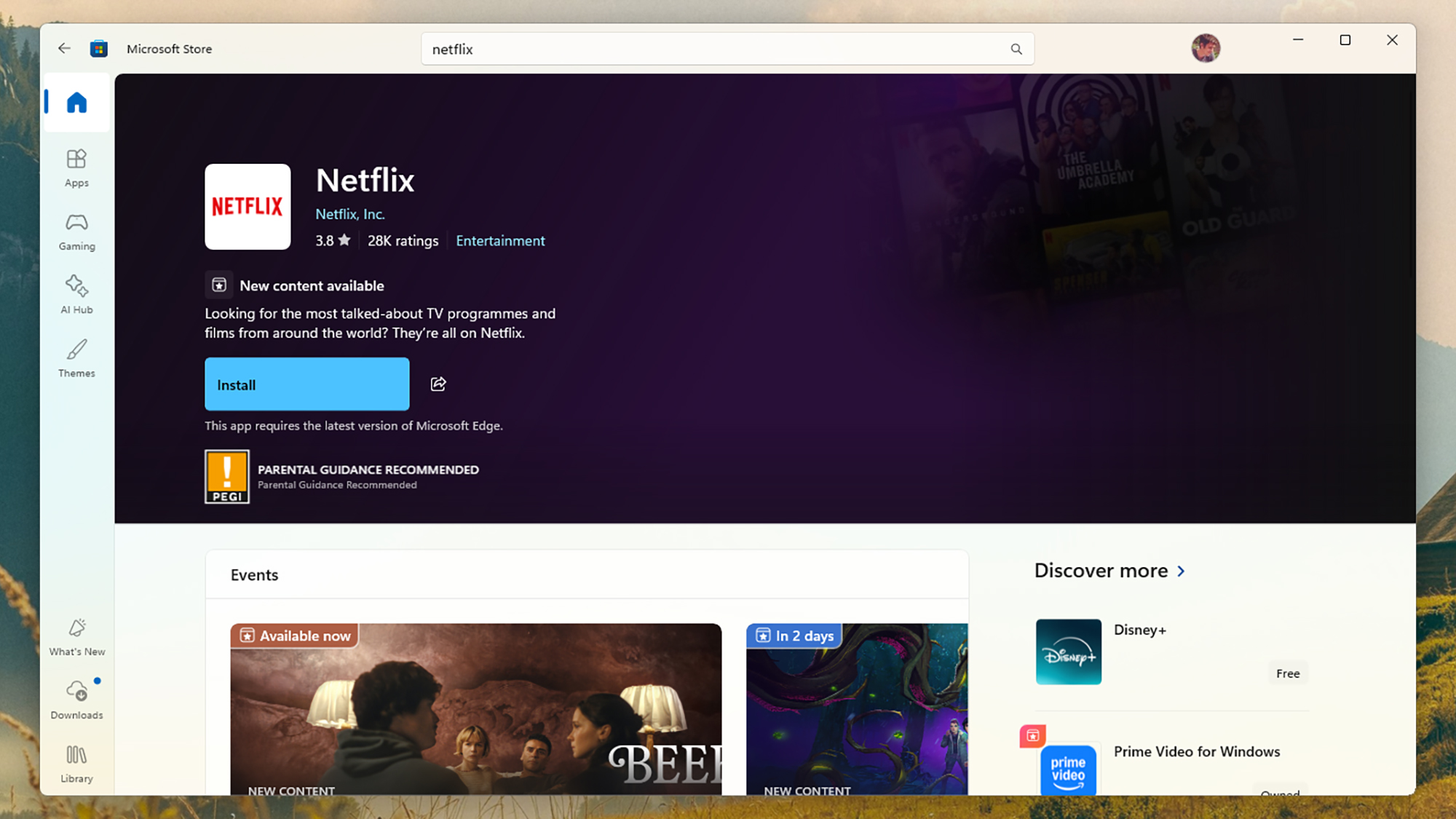
It’s a little bit more complicated when it comes to getting 4K Netflix streams on Windows and macOS computers. On Windows, you need to be using either Microsoft Edge, Google Chrome, or the Netflix app for Windows. You also need a graphics card or integrated graphics capable of 4K—Netflix has details here (the graphics setup doesn’t need to be particularly powerful, but it is a requirement.
In addition, the display you’re using with Windows—either internal or external—needs to offer a 4K, 60Hz configuration or better, and be HDCP 2.2 compliant. This relates to the piracy protection worries mentioned earlier, and if you’re not sure, a look online at the listing for your monitor should tell you if it meets the standard.
When it comes to Macs, to get 4K you’re going to need to watch through the Apple Safari or Google Chrome browsers, or you’ll find your video resolution scaled down. You also need to be using a Mac with an Apple processor or an Apple T2 security chip inside (a quick web search on your Mac model should tell you if you’re unsure.
The same display restrictions for 4K are in place as they are for Windows: You need a minimum 60Hz refresh rate, HDCP 2.2 compliance, and of course a 4K resolution, otherwise you’ll be getting a 1080p feed even if you’ve signed up for a 4K plan.