
We may earn revenue from the products available on this page and participate in affiliate programs. Learn more ›
TL;DR: A PDF Agile PDF editor lifetime subscription is only $40 right now.
Paying every month for a PDF editor can start to feel ridiculous when you mostly need it to fix a few documents, sign contracts, and send clean files to clients. PDF Agile Premium replaces the ongoing subscription with a single lifetime license you can use on both Windows and Mac, and it’s only $40 (reg. $119).
Edit your PDFs without paying a monthly fee
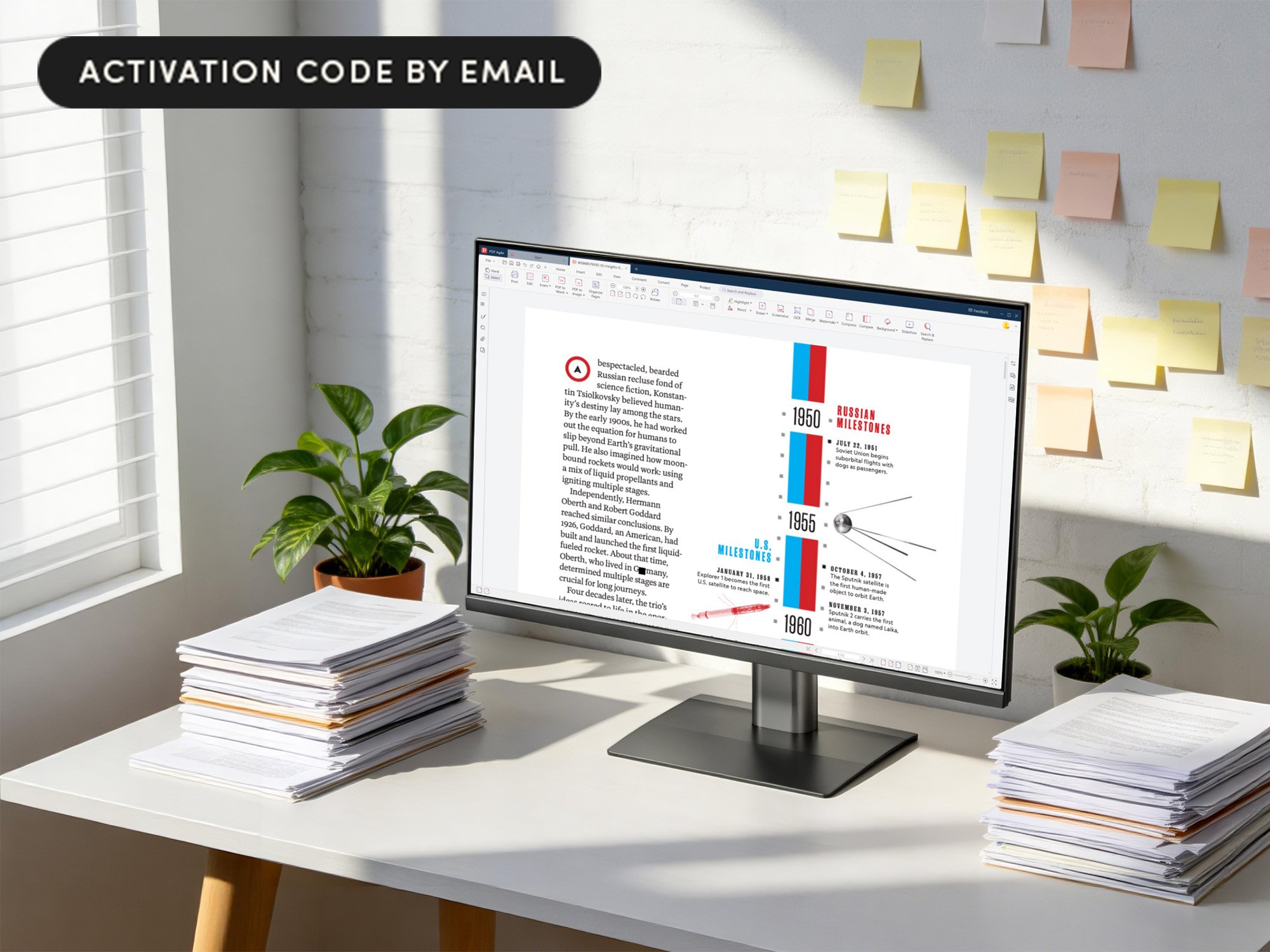
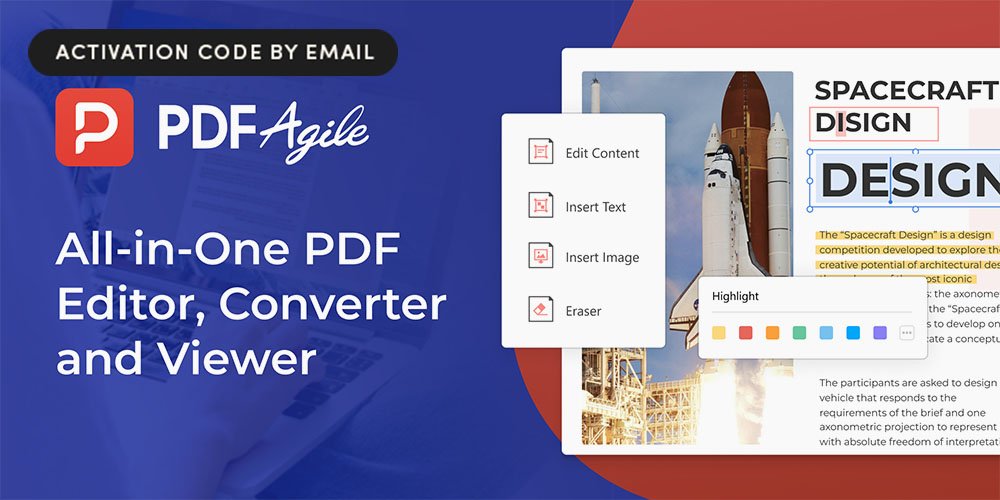
PDF Agile does what it says on the tin. You can fix typos, tweak terms, change dates, or adjust formatting on PDFs as easily as you would a Word doc. When a document needs deeper layout changes, you can convert it to Word, Excel, or PowerPoint, edit there, then convert back to PDF without wrecking fonts or spacing. You can also create PDFs from other file types or from scans, so everything ends up in a format that is easy to share and archive.
Day to day, it works as more than a basic viewer. You can change how the page is displayed, then highlight, underline, or strike through text, drop in comments, draw shapes, and handwrite quick notes. Bookmarks help you organize long reports or manuals, and search lets you jump straight to the parts you care about. Page tools let you crop, rotate, and reorder pages without rebuilding a file from scratch.
For sensitive work, you can lock documents with passwords, permanently remove text and images with redaction, and apply electronic signatures so you can close out agreements without printing. PDF Agile also folds in a lot of small jobs that usually need separate tools, like comparing two versions side by side, merging and splitting files, shrinking big PDFs, running OCR on scanned pages, adding page numbers, inserting links, grabbing screenshots, and pulling text out of those grabs.
Right now, it’s only $39.99 to get a PDF Agile Lifetime Subscription.
StackSocial prices subject to change.
_
PDF Agile Premium: All-in-One Lifetime Subscription (Windows & Mac)