How do I hang my flat-screen TV?
Bryan Greenway is a professional installer and editor of hometheaterblog.com.
We may earn revenue from the products available on this page and participate in affiliate programs. Learn more ›
Maybe you don’t. Ask yourself if you trust your handyman skills enough to wager your new $2,000 LCD on them. Not sure? Hire a pro. It will cost $150 or more, but that satisfaction you get from a DIY job fades quickly when the set is in pieces on the floor.
If you do decide to proceed on your own, check your TV for the words “VESA compatible,” which means it’s designed to work with standard mounting hardware. I stick with two bracket brands: OmniMount for sets smaller than 37 inches, and Peerless for anything bigger; prices start at around $60. Spring for one with tilt to reduce glare.
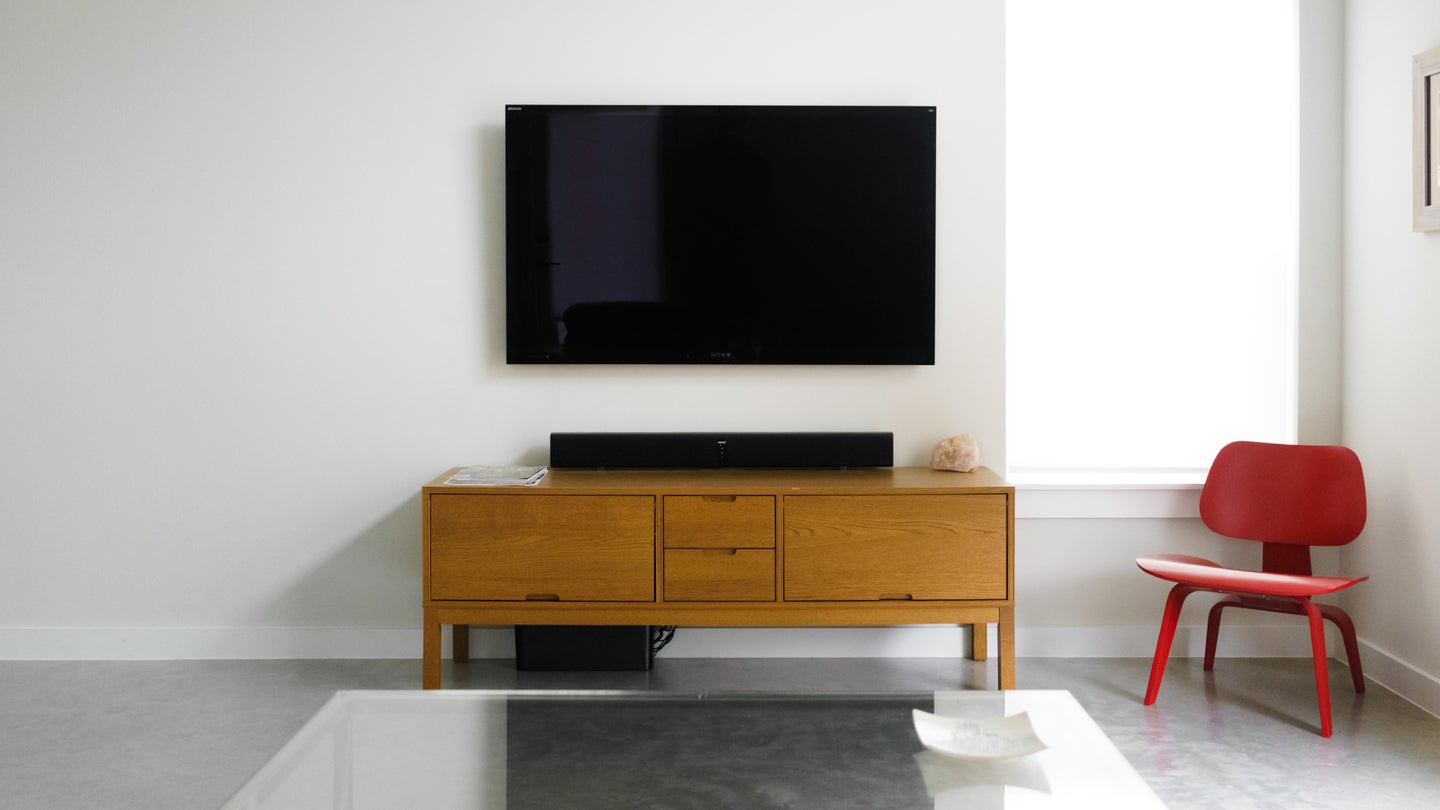
When deciding where the TV will go, know what you’re getting into—literally. Find a spot on an interior wall, out of direct sunlight, with at least one stud to anchor an LCD, or two for a plasma. Use a stud finder to check for obstructions in the wall. That’s important, because the secret to a clean, “floating” installation is to run your audio and video cables behind the wall and pull them out down by the floor, nearer your receiver. Include an extra set of cables so that you can add components later without taking down the TV.
Mount the wall bracket with heavy-duty anchor bolts (don’t forget to use a level). Get help hanging the set, no matter how small it is. Close the safety tabs around the rails, and you’re done. Except, of course, for explaining to your friends how you made it look so good.
This story has been updated. It was originally featured in the October 2006 issue of Popular Science magazine.